
Attendance Wall
Where: Admin portal → Dashboard → View Attendance Wall
Route: /attendance-wall
A wall of the people who have punched on one day – each with their photo, their punch time, how late they were and where they were. It is the quick way to see who has arrived. The page has no entry of its own in the menu: open it with View Attendance Wall on the Dashboard.
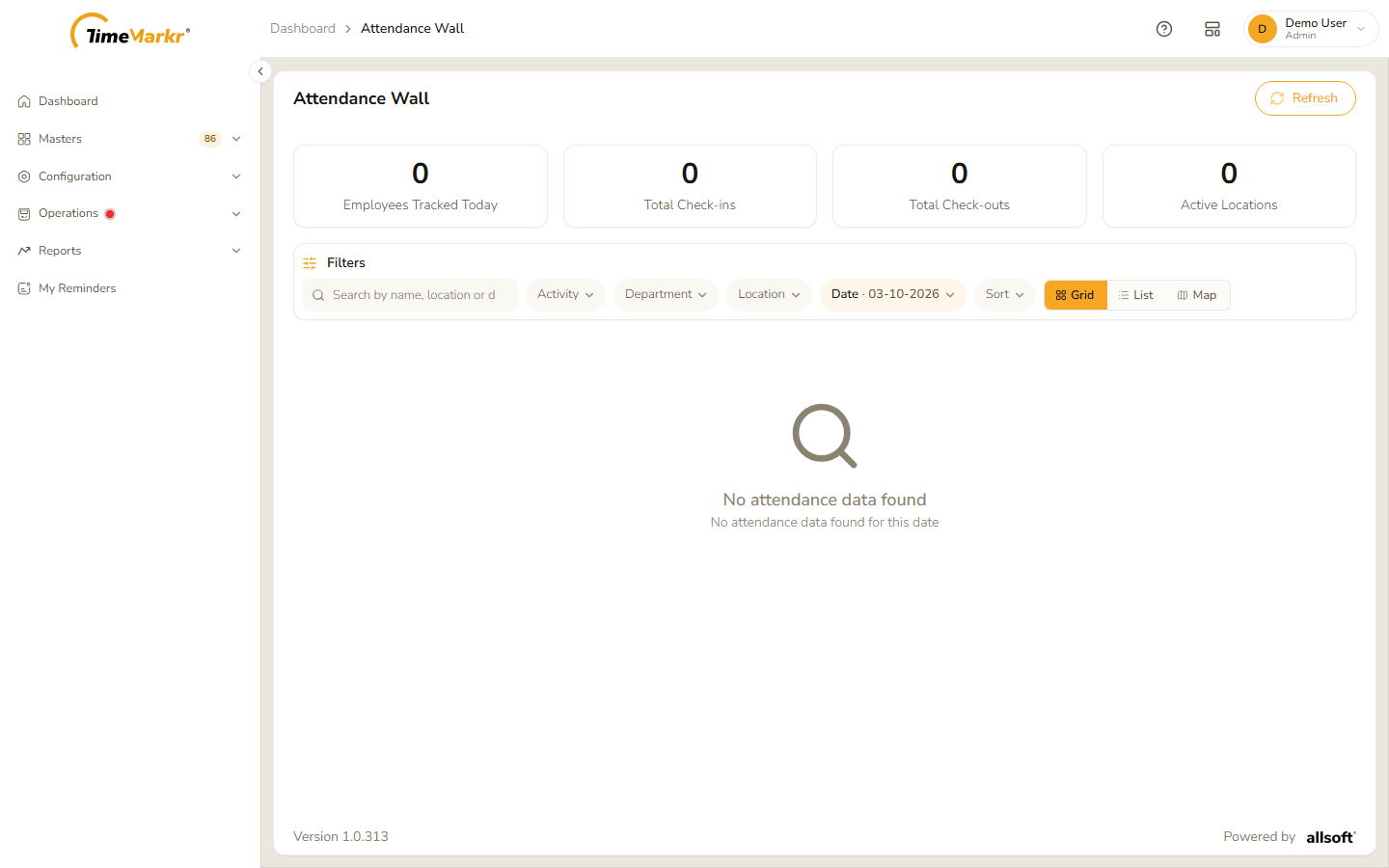
The wall opens on today. With no punches it says "No attendance data found – No attendance data found for this date".
The numbers at the top
Four tiles count the day: Employees Tracked Today, Total Check-ins, Total Check-outs and Active Locations.
Choose what to show
| Filter | What it does |
|---|---|
| Search | Finds people by name, location or department as you type. |
| Activity | "Which punch put the person on the wall." – All, Check-ins or Check-outs. |
| Department | "Show only one department's people." The list – All departments and the departments of the people on the wall that day – narrows the wall to one. |
| Location | "Show only one working location." All locations or one of the locations on the wall that day. |
| Date | "The day the wall is showing." Click the pill and then the date to open a calendar – use the two lists at the top for the month and the year and click the day. |
| Sort | "Which end of the day comes first." – Latest first or Earliest first. |
Clear all filters starts again and Refresh (top right) loads the wall again.
Grid and List
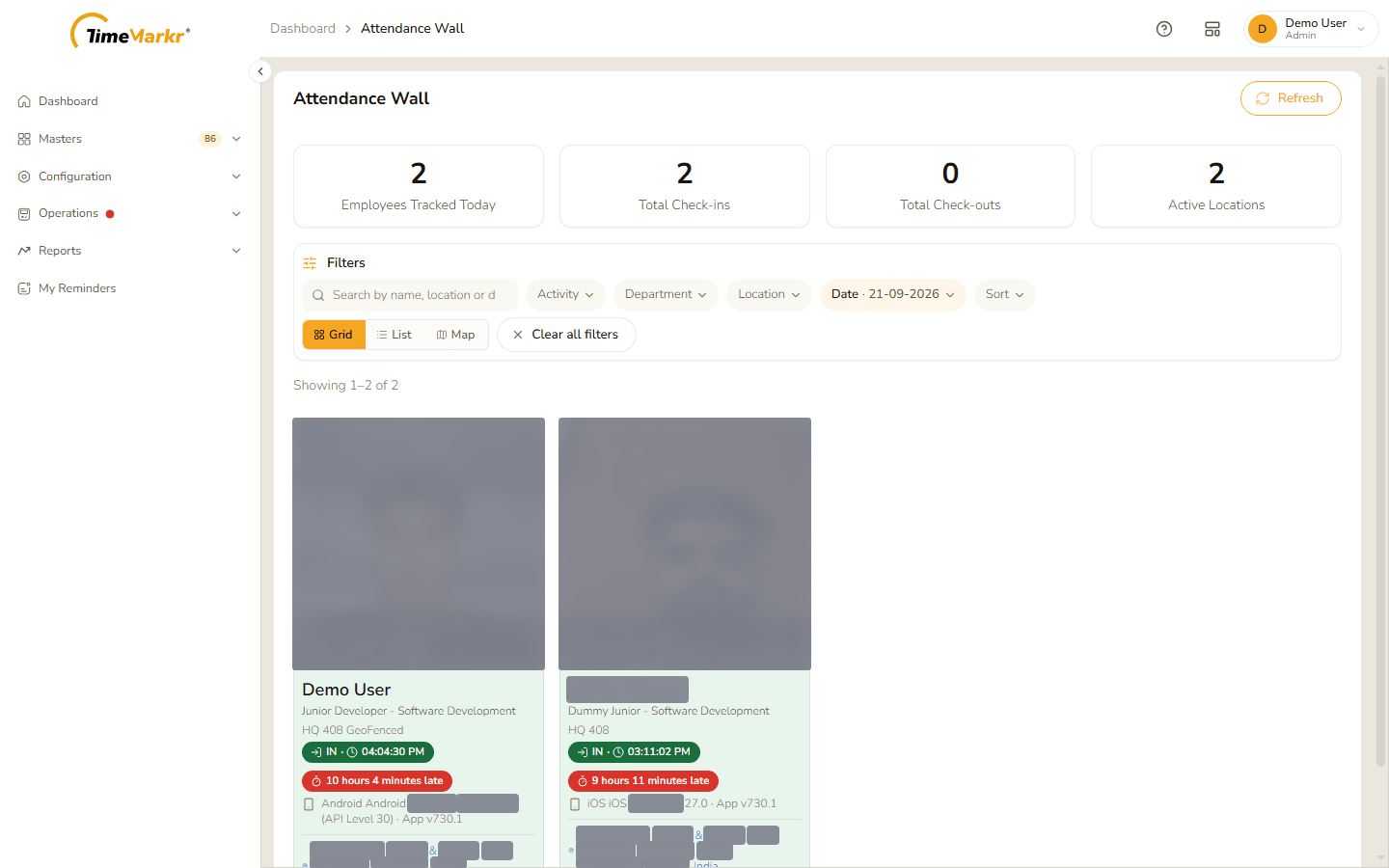
Grid, List and Map switch the way the people are laid out. Grid shows a card for each person.
List shows the same details in one row for each person.
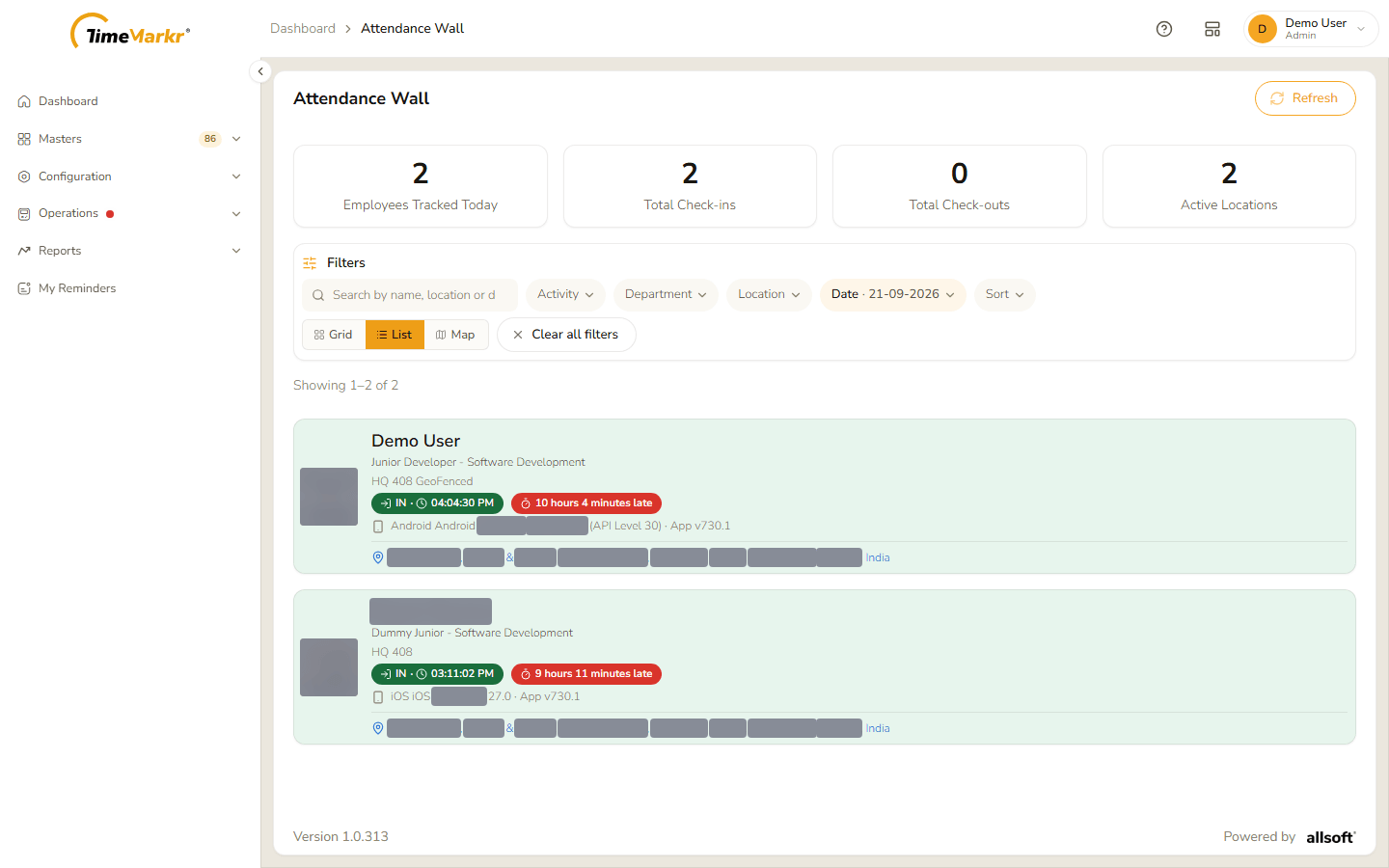
Each card or row holds:
- the photo taken at the punch;
- the name, then the designation and department, then the working location;
- the punch – IN or OUT with the time – and, in red, how late the punch-in was (10 hours 4 minutes late);
- the phone and the version of the app that made the punch;
- the address where the punch was made.
The Map button is reserved for a map of the punches; in this version it shows only a placeholder.
Related: Dashboard · Daily Attendance Punch · Late Punch Report