
Task Project
Where: Admin portal → Masters → Task Project
Route: /masters/task-project
A task project groups tasks. Each one has a name, an optional icon and a colour. You create them here; employees choose a project when they create a task in the employee portal (see Tasks).
1. The Task Project list
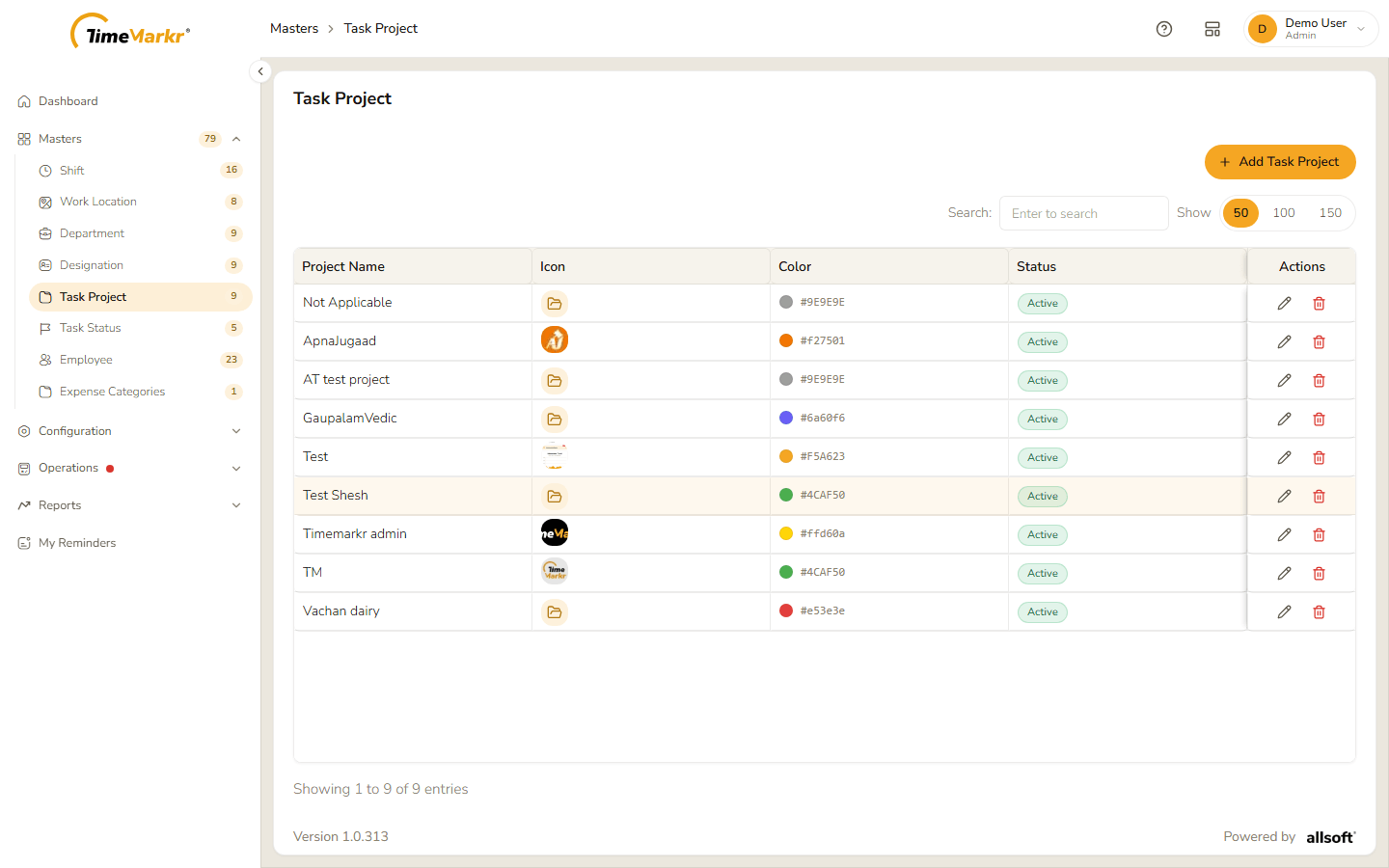
| Column | What it shows |
|---|---|
| Project Name | The name of the project. |
| Icon | The picture you uploaded, or a folder symbol when there is none. |
| Color | The colour as a dot and a hex code such as #7C5CD3. |
| Status | Active or Inactive. |
| Actions | Pencil = Edit, bin = Delete. |
Not Applicable is the default project that comes with the account. See the protected project.
2. Add a task project
Click Add Task Project. The form is a single row: icon, name and colour.
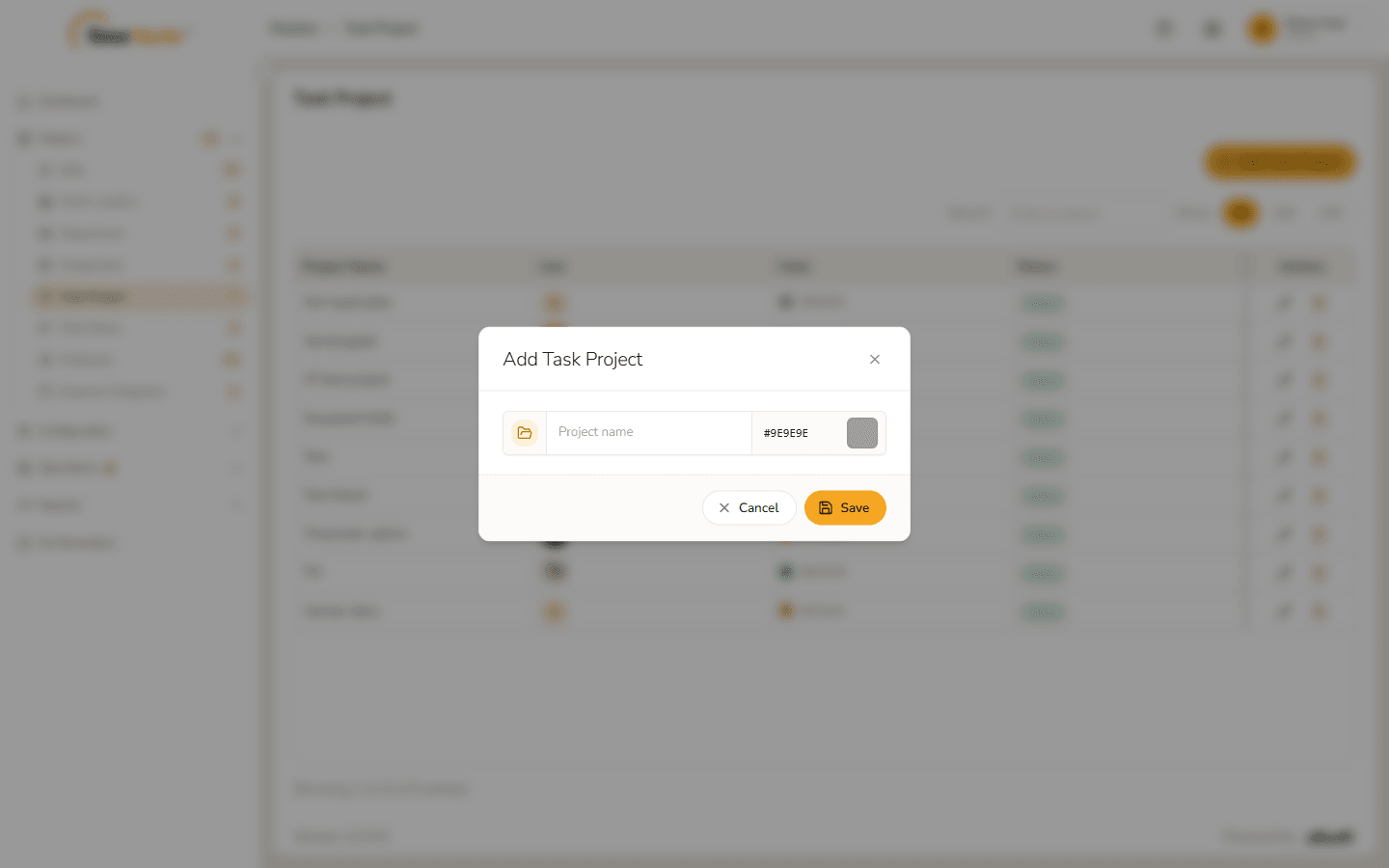
Add Task Project form Fill it in.
Field Notes Icon button (folder symbol, left) Optional. Click it and choose a picture. The picture is uploaded at once and Icon uploaded appears – click Got it and carry on with the form. Project name* Required. Clicking Save with it empty shows "Project name is required." Project color hex code Starts as #9E9E9E(grey). Type a code in#RRGGBBform or click the colour swatch to pick one.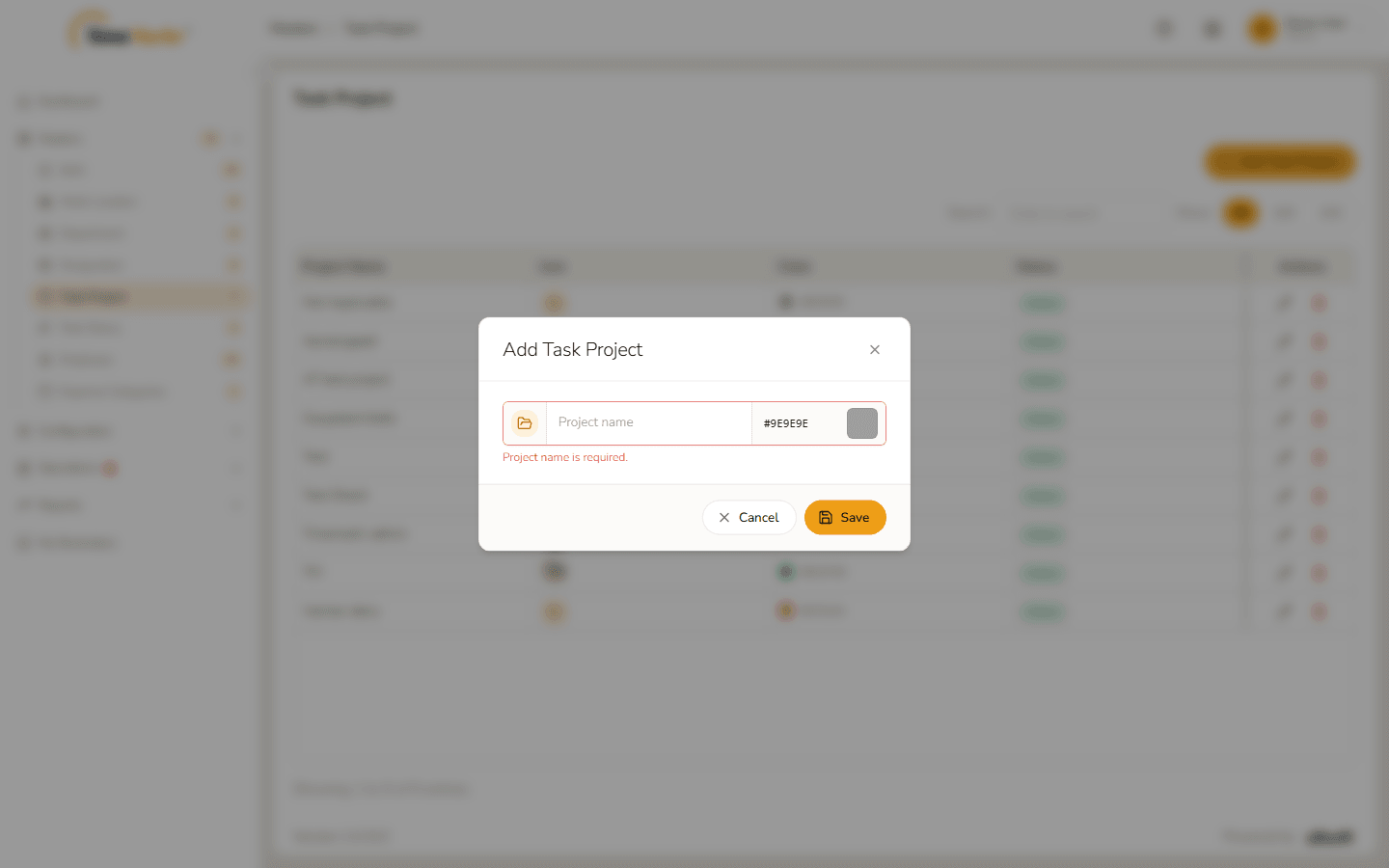
Project name is required 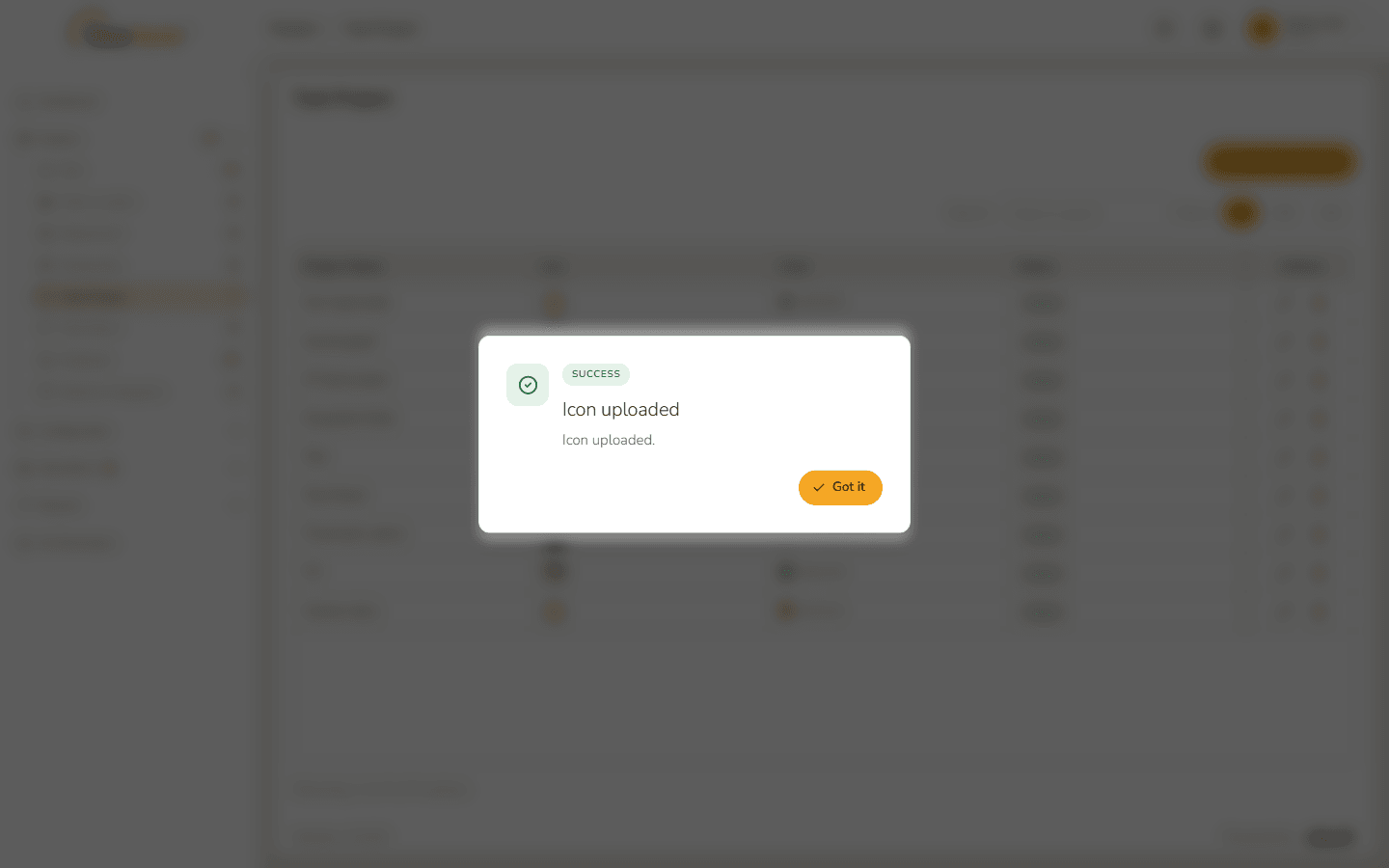
Icon uploaded 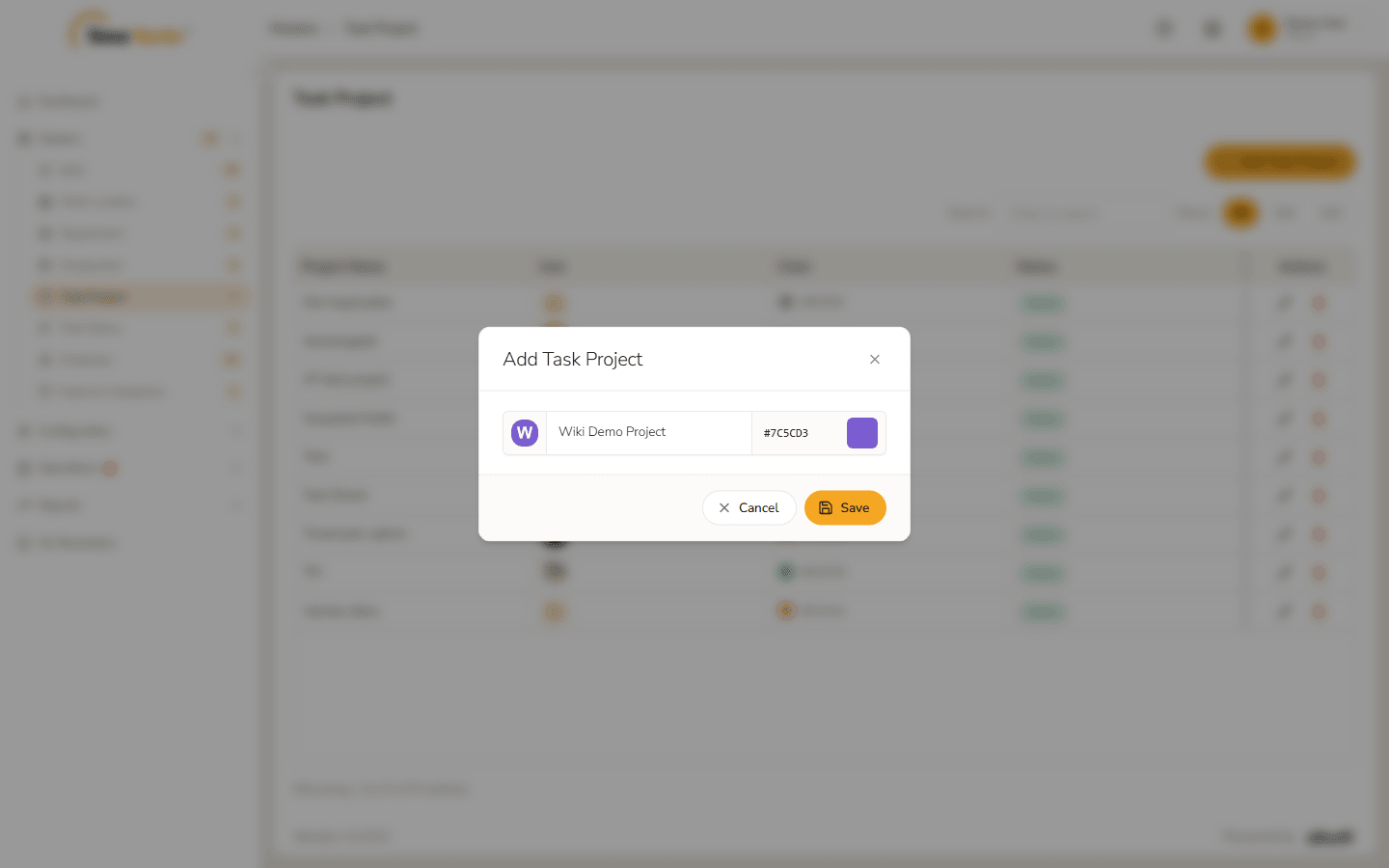
Form filled in Click Save. Project saved – Project created. confirms it. Click Got it.
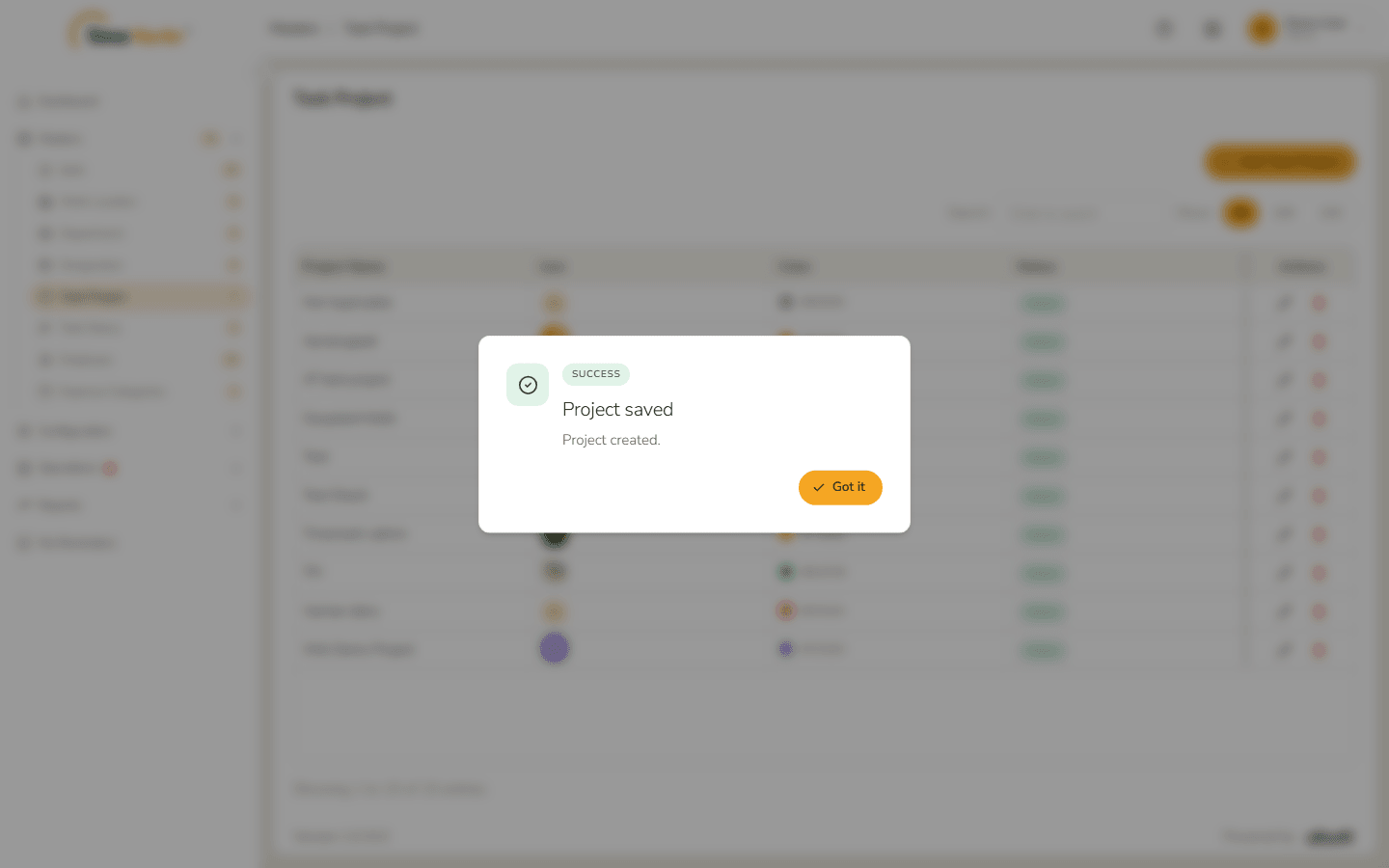
Project saved The project is in the list with its icon and colour.
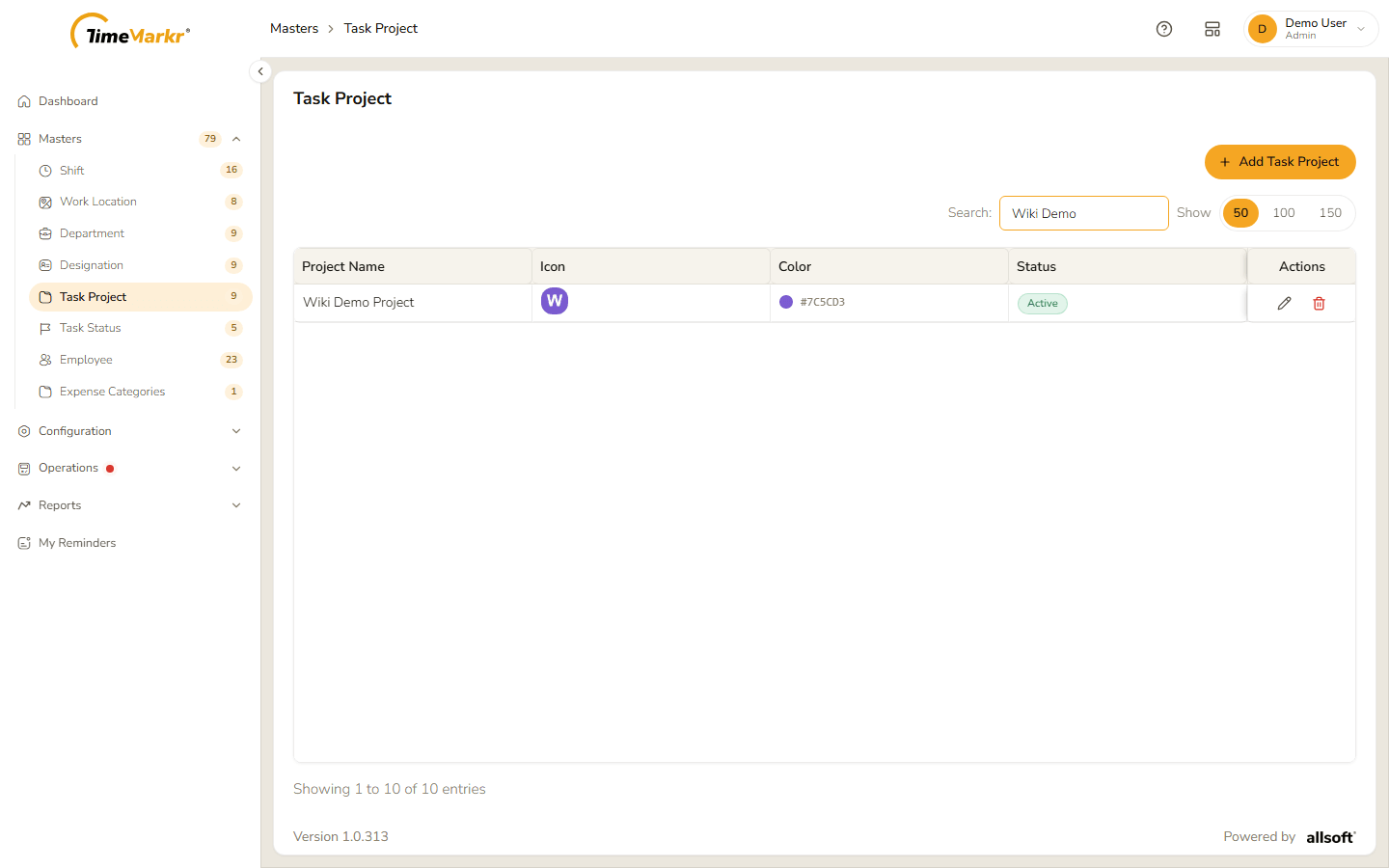
New project in the list
3. Edit a task project
Click the pencil on the project's row.
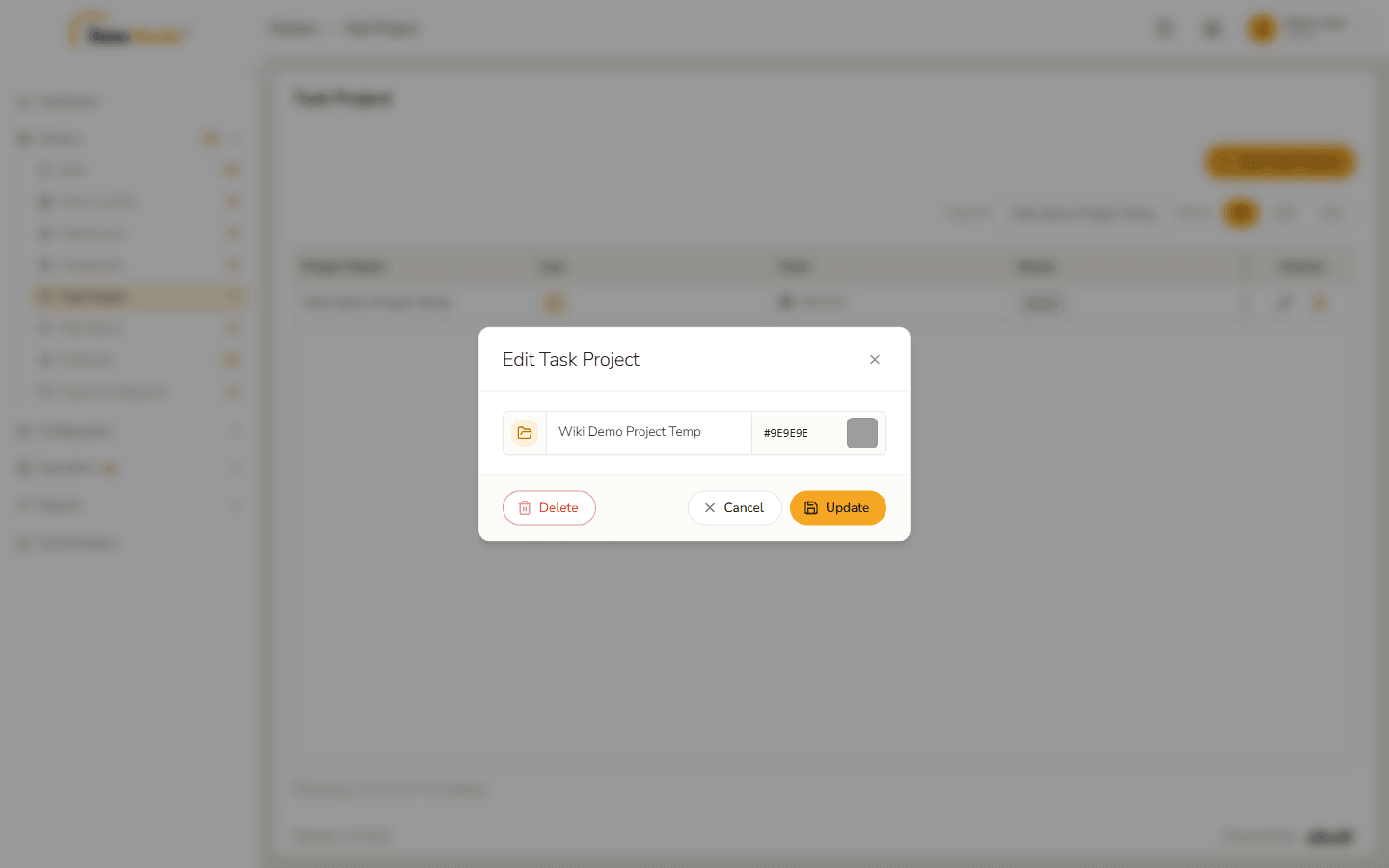
Edit Task Project form Change the name, icon or colour – here the name and the colour.
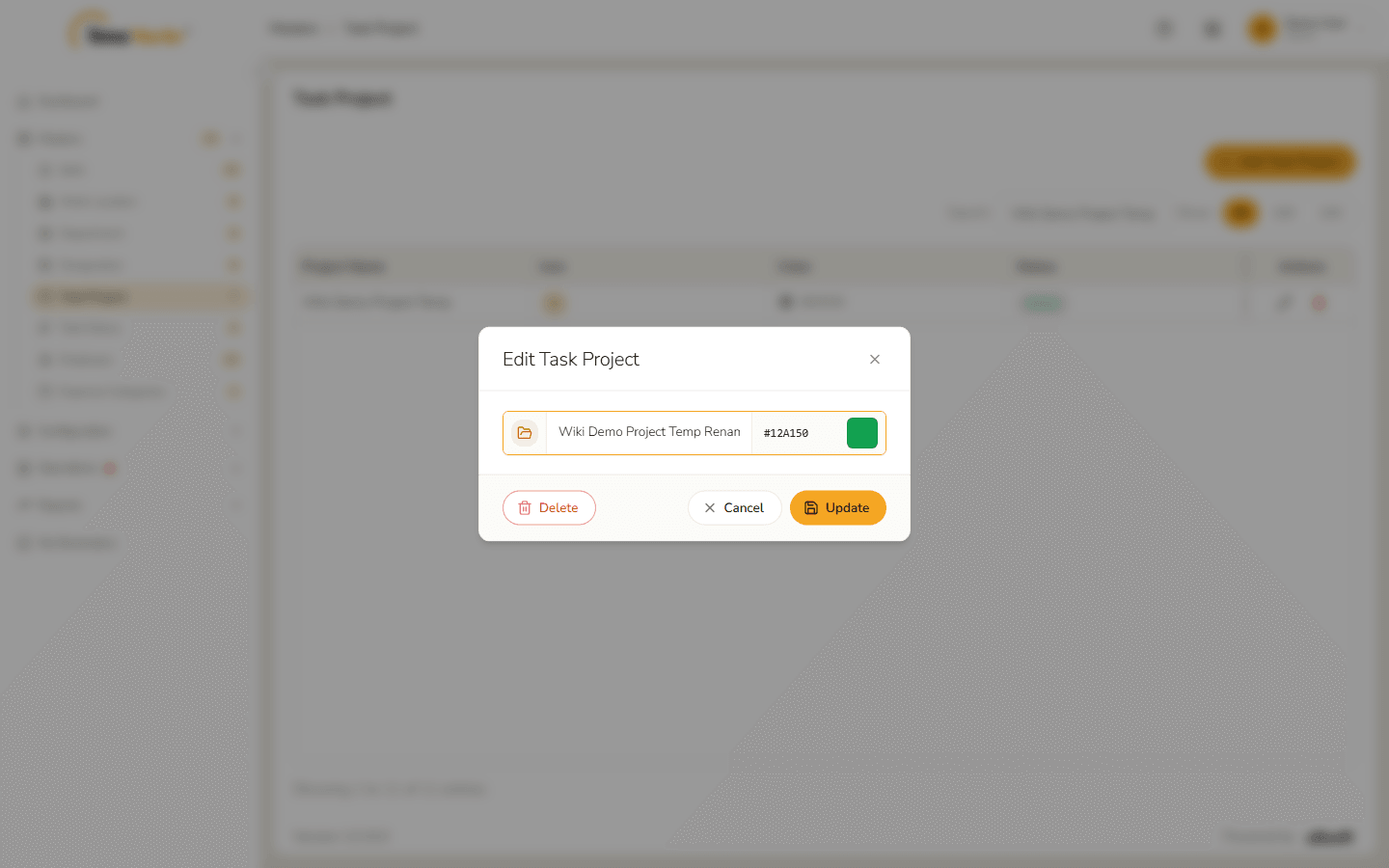
Name and colour changed Click Update. Project saved – Project updated. appears.
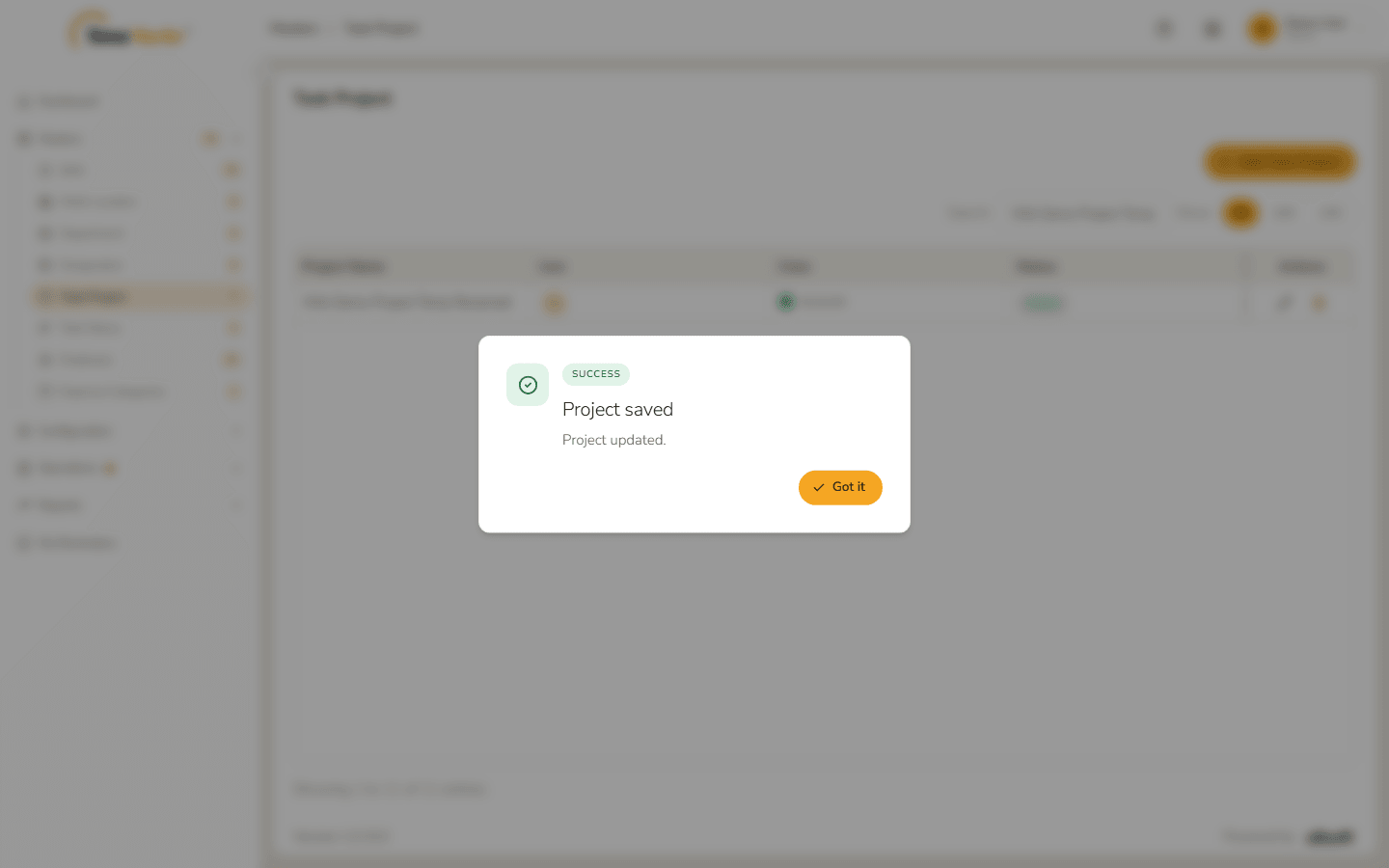
Project updated
The protected project
The default Not Applicable project cannot be changed. Its form opens with the notice "This project is protected. The default "Not Applicable" project cannot be edited or deleted.", the fields are read-only and the only button is Close.
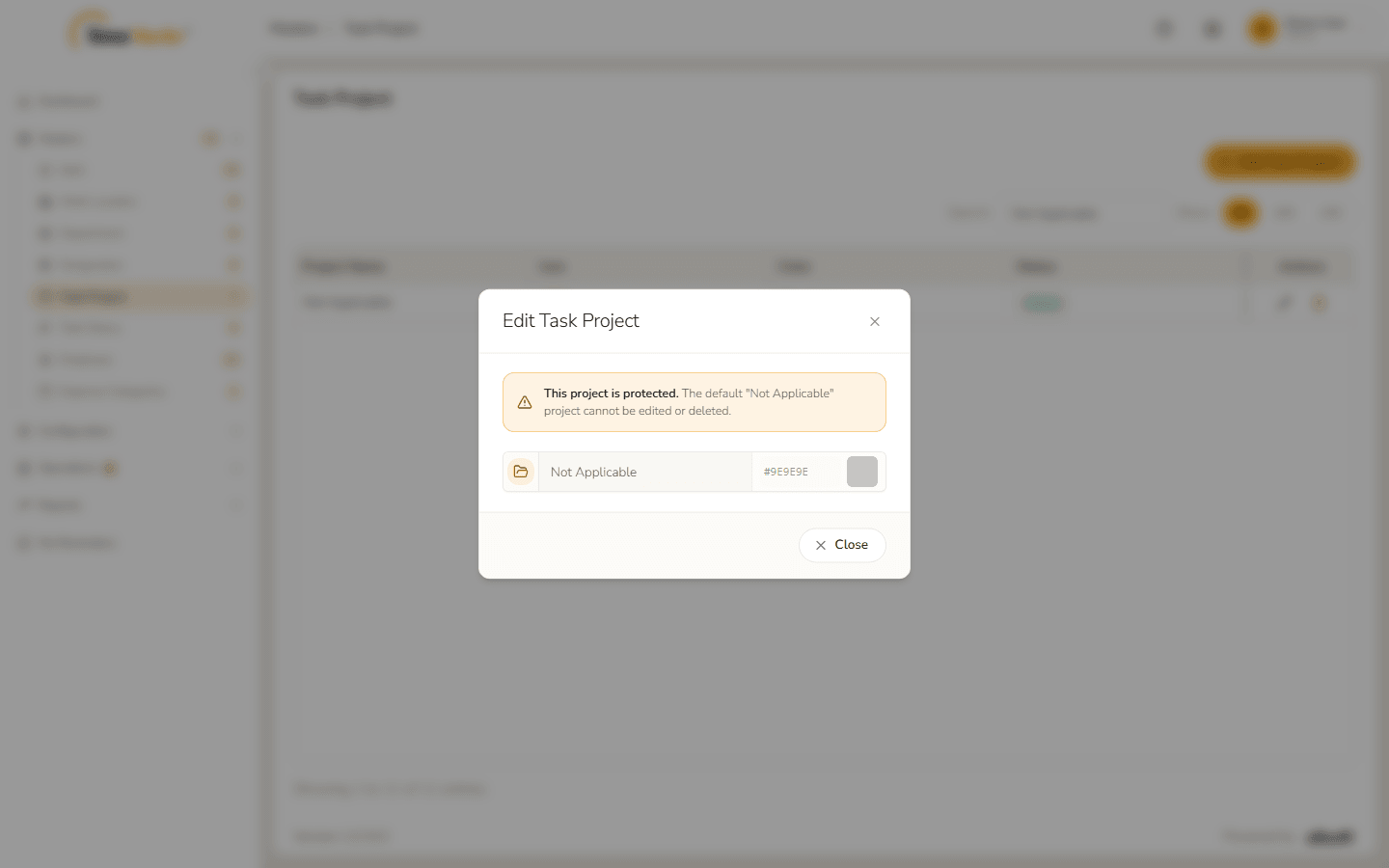
4. Delete a task project
- Click the bin on the project's row.
The confirmation names the project and warns "This cannot be undone." Click Delete.
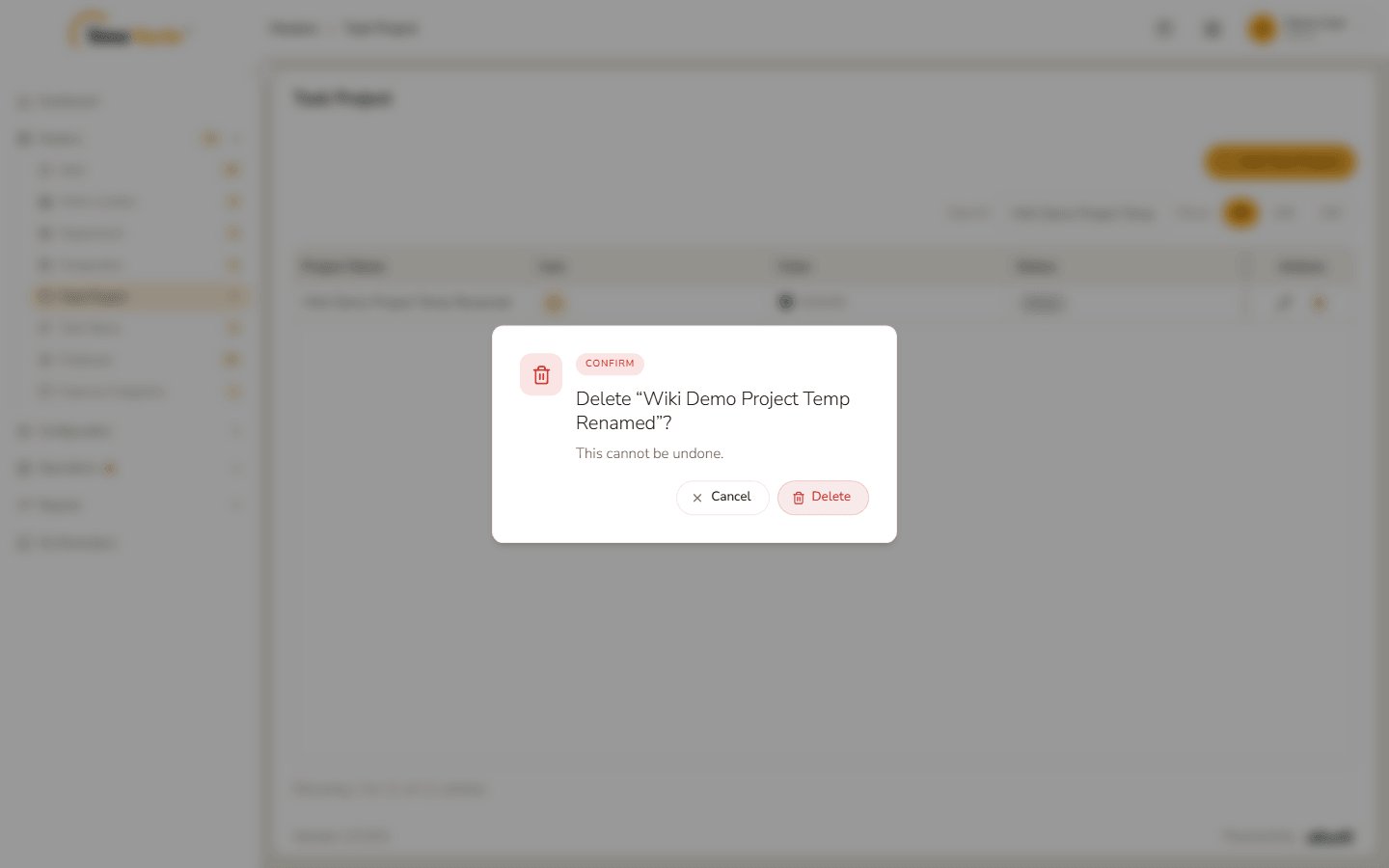
Delete confirmation Project deleted – Project deleted. confirms it. Click Got it.
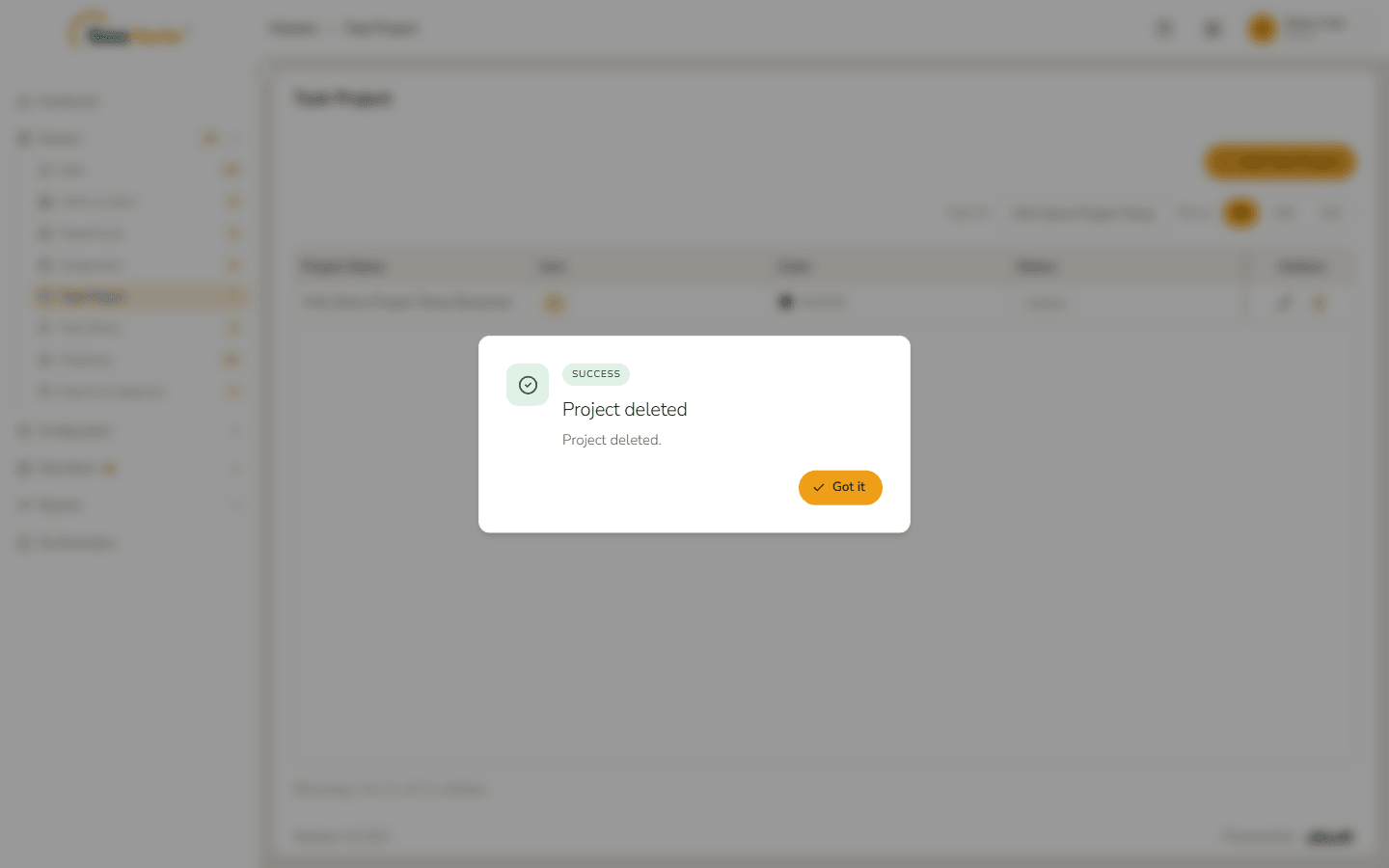
Project deleted The project **stays in the list with the status *Inactive*** rather than disappearing – deleting a project switches it off.
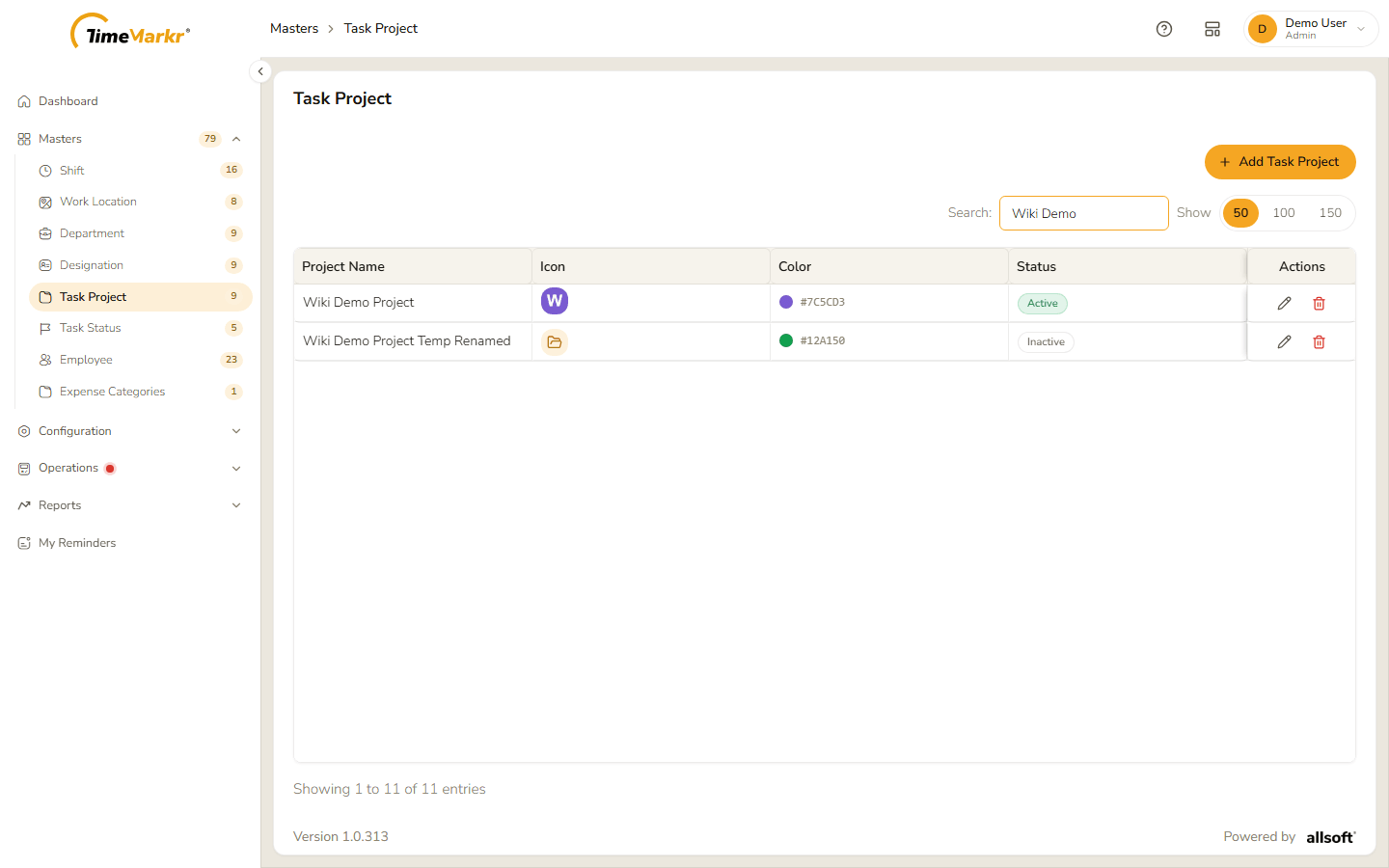
The deleted project is Inactive
Related: Task Status · Tasks (employee portal)