
Designation
Where: Admin portal → Masters → Designation
Route: /masters/designation
The list of job titles in your company. Add a designation here once and it can be chosen wherever a designation is asked for, for example when you register an employee.
1. The Designation list
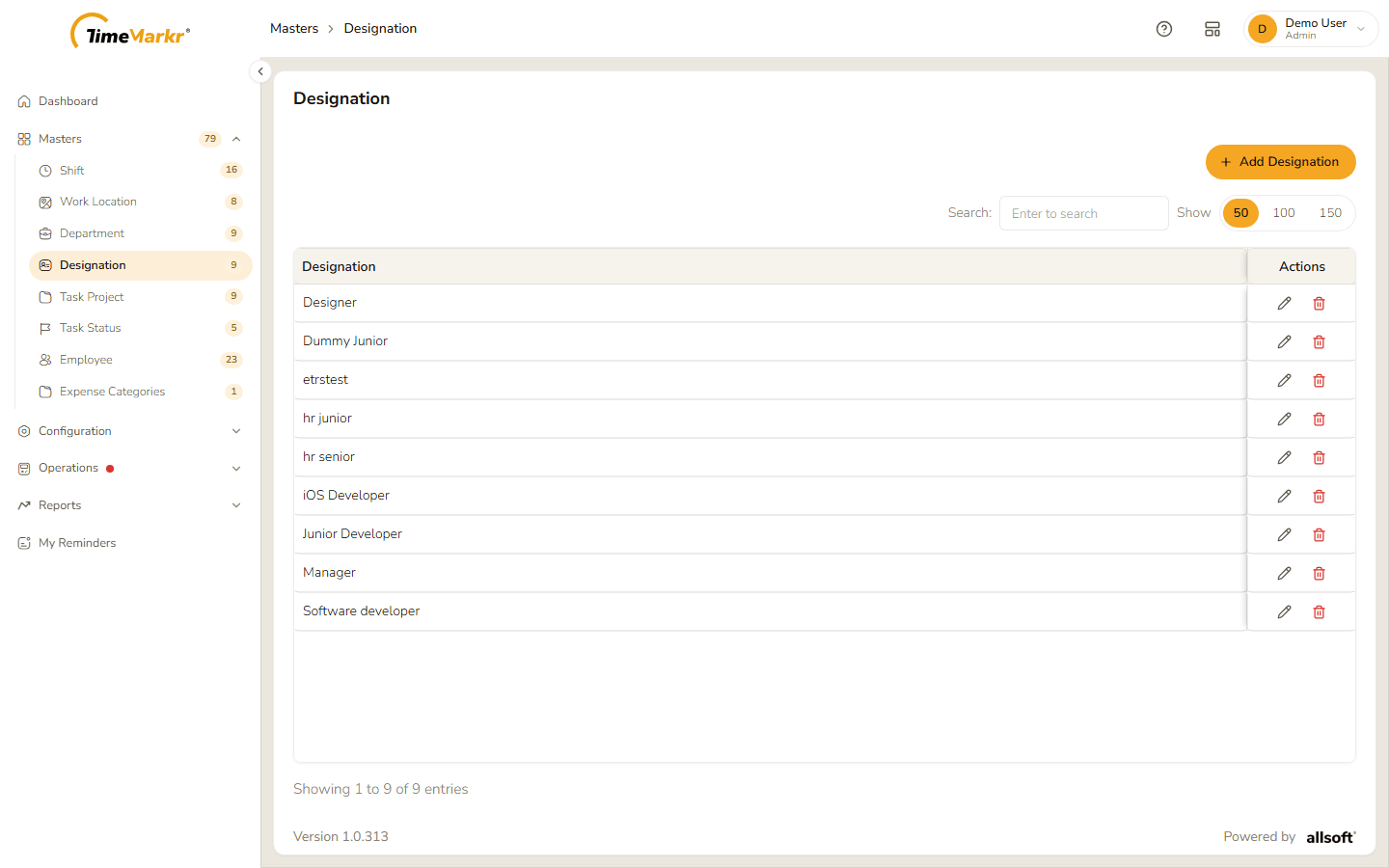
The list has one column, Designation, and an Actions column with a pencil (Edit) and a bin (Delete). Use Search to narrow the list as you type, and Show 50 / 100 / 150 to choose how many rows to see.
2. Add a designation
Click Add Designation.
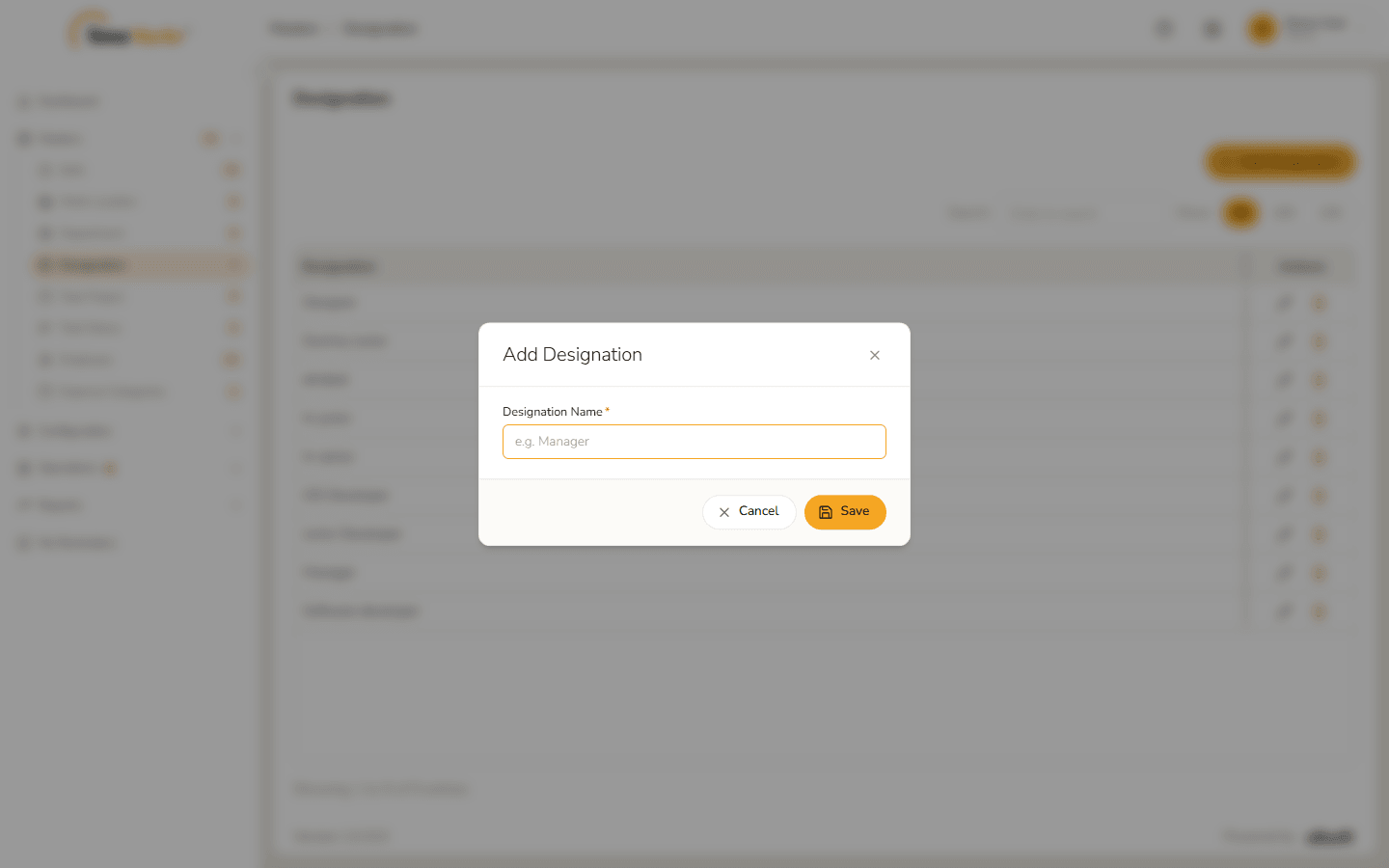
Add Designation form Enter the Designation Name (required). If you click Save with the field empty it turns red and says "Designation Name is required."
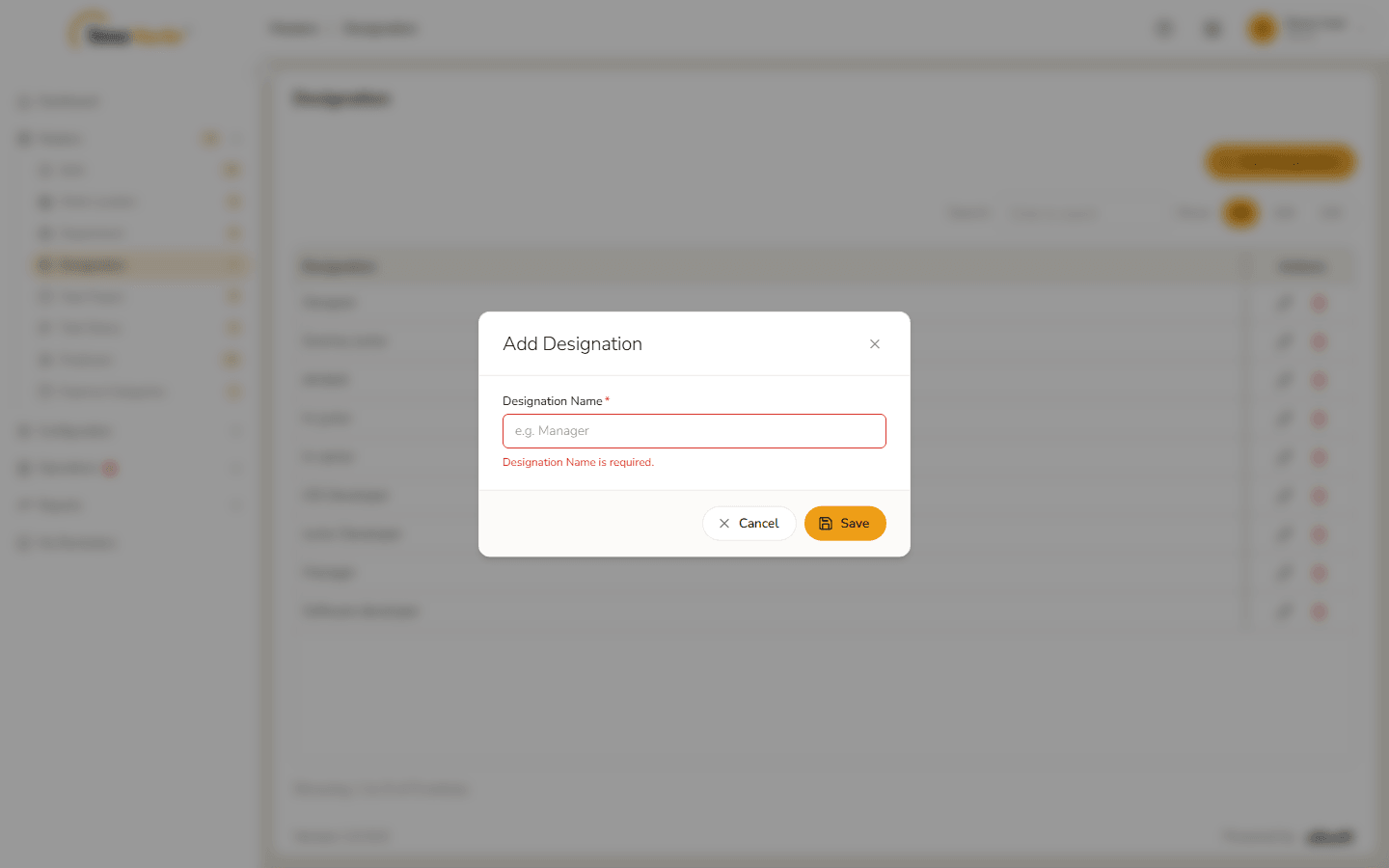
Designation Name is required 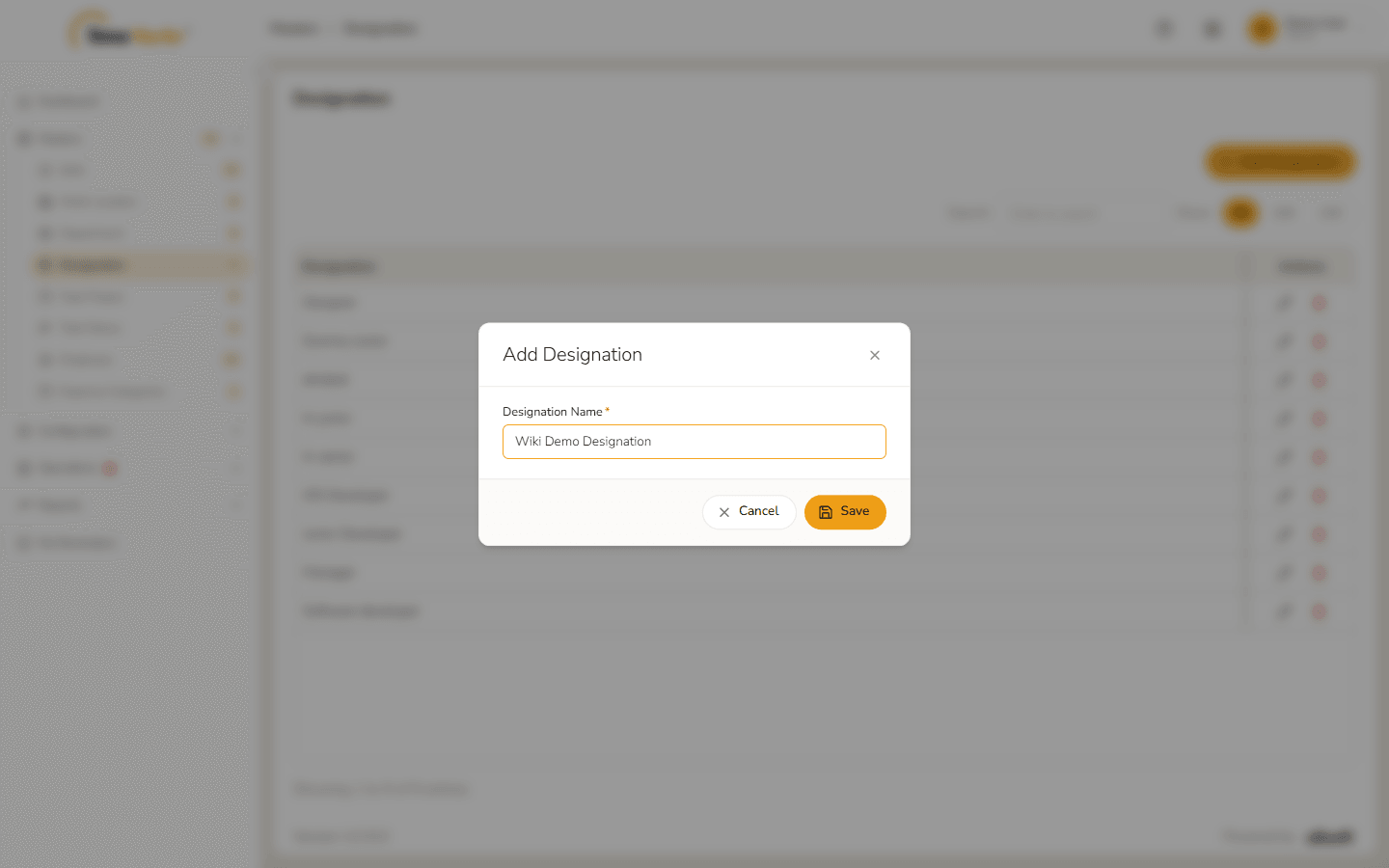
Form filled in Click Save. Designation saved – Success. Created. confirms it. Click Got it.
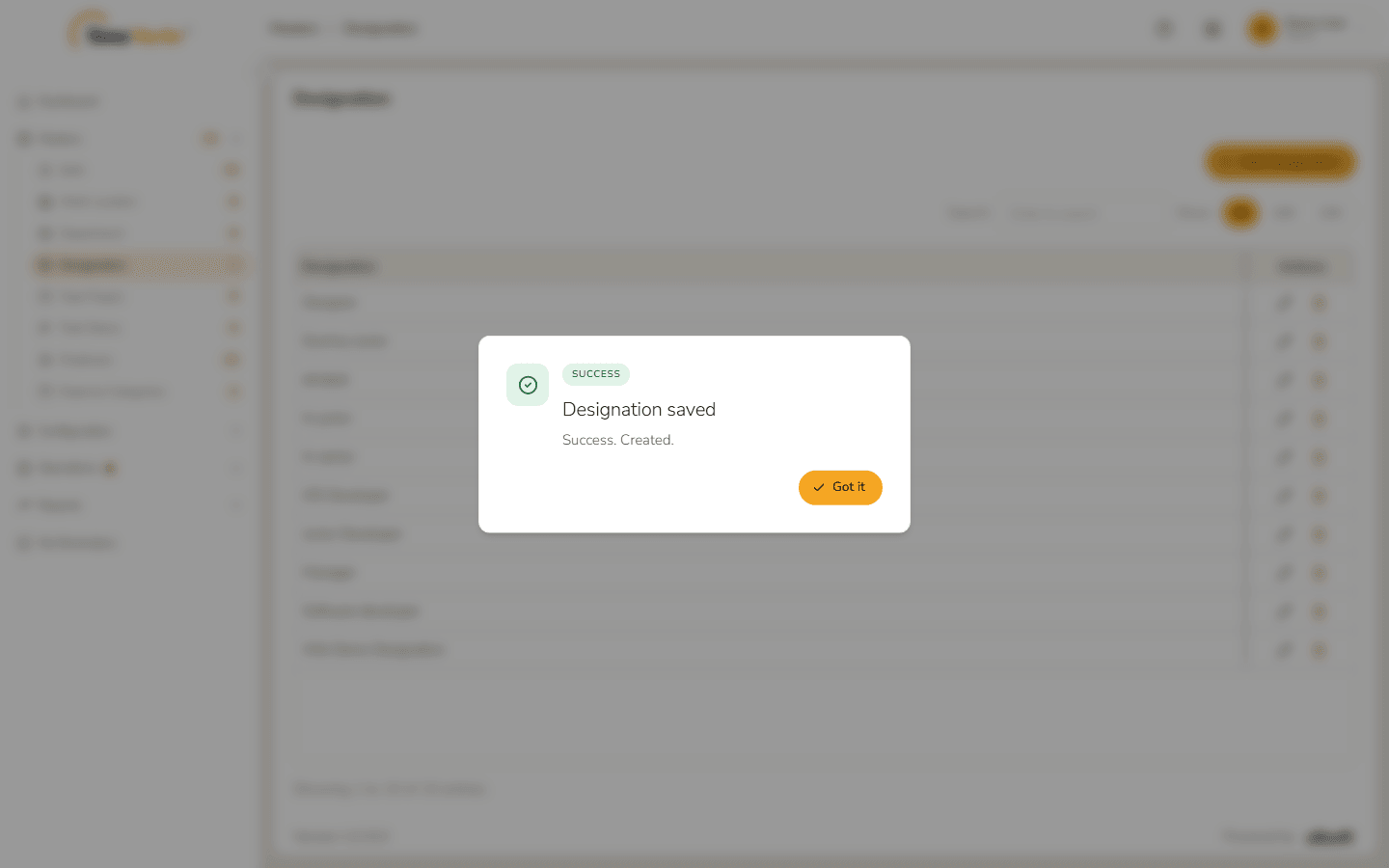
Designation saved The new designation is in the list.
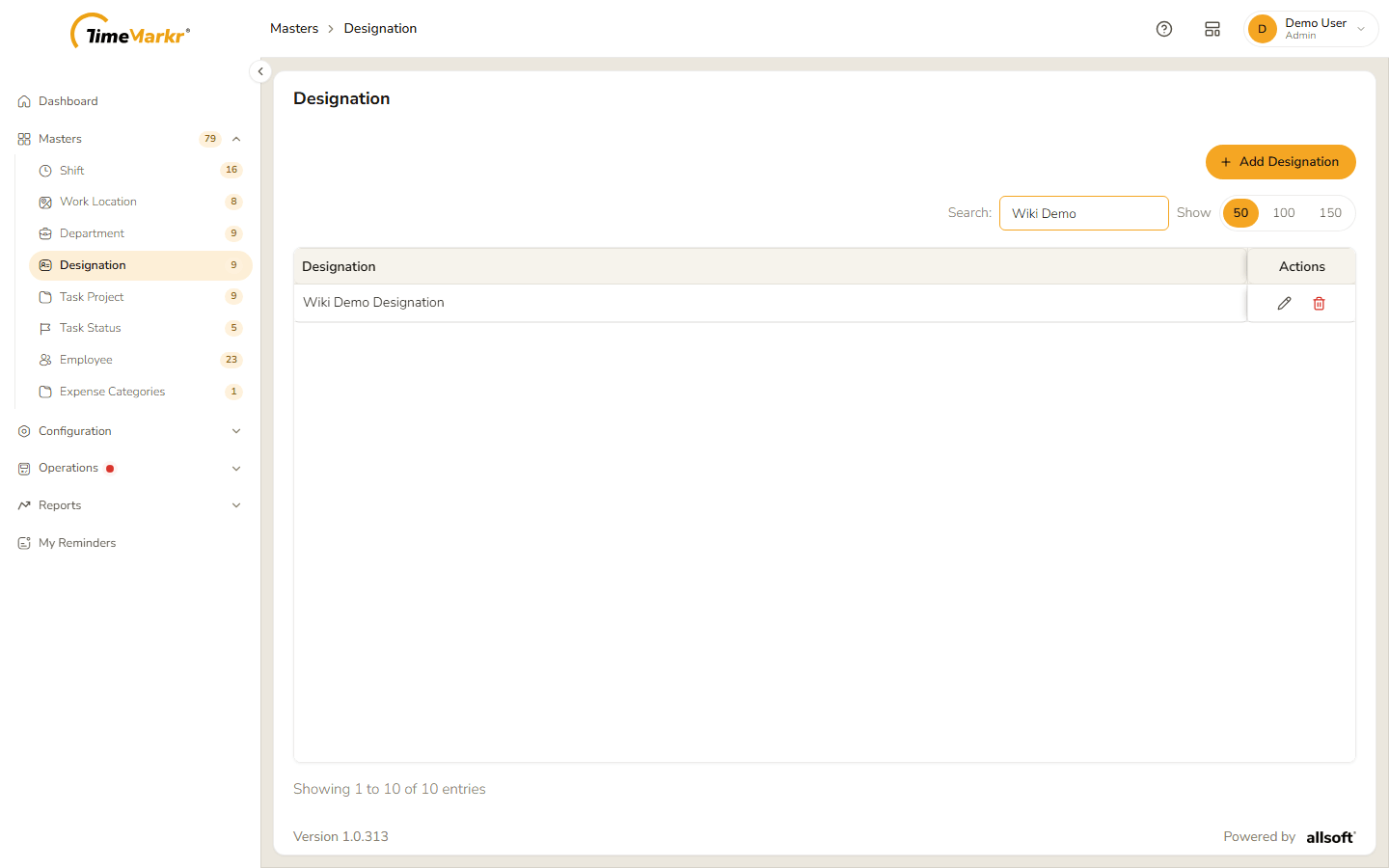
New designation in the list
3. Edit a designation
Click the pencil on the designation's row.
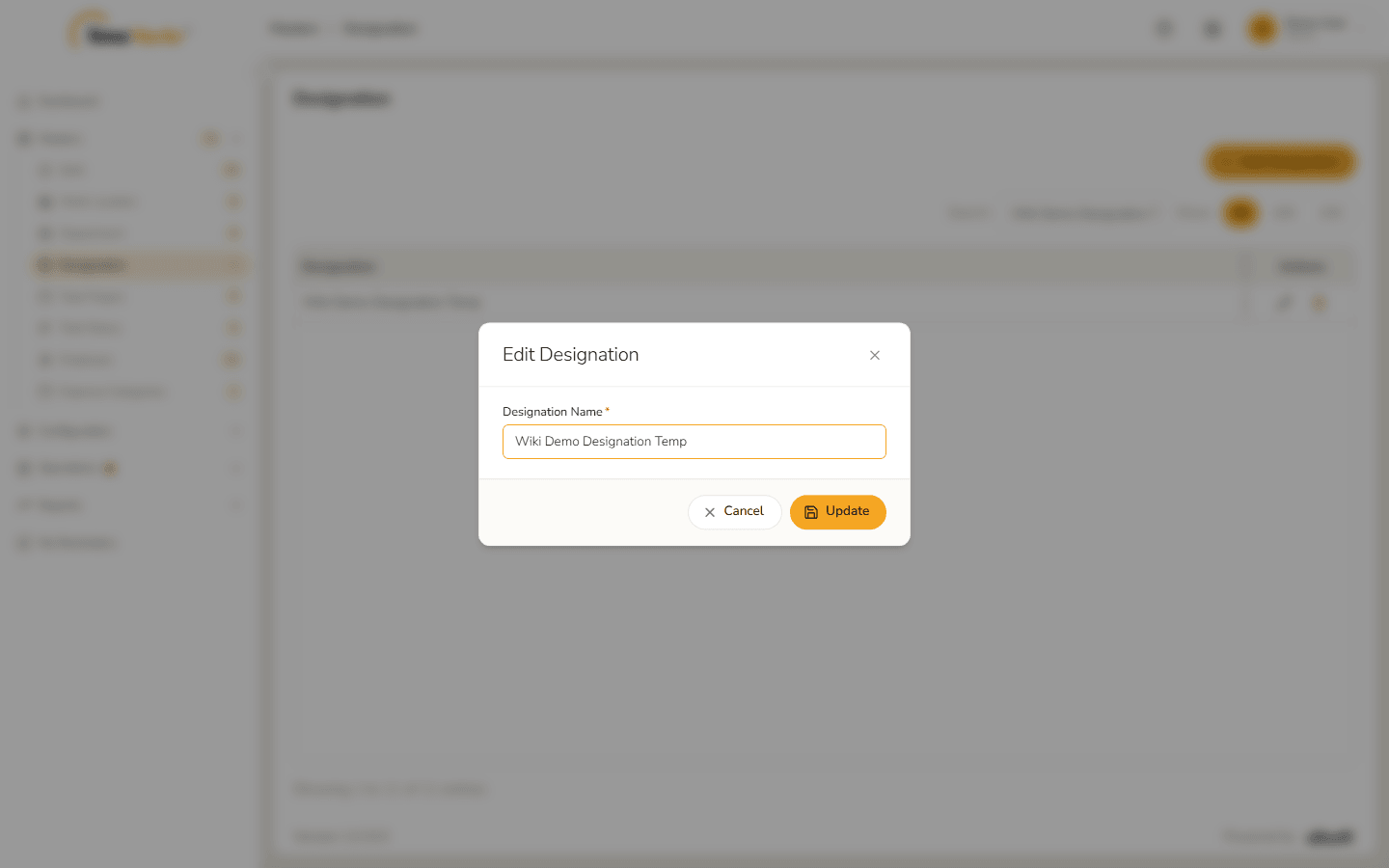
Edit Designation form Change the name.
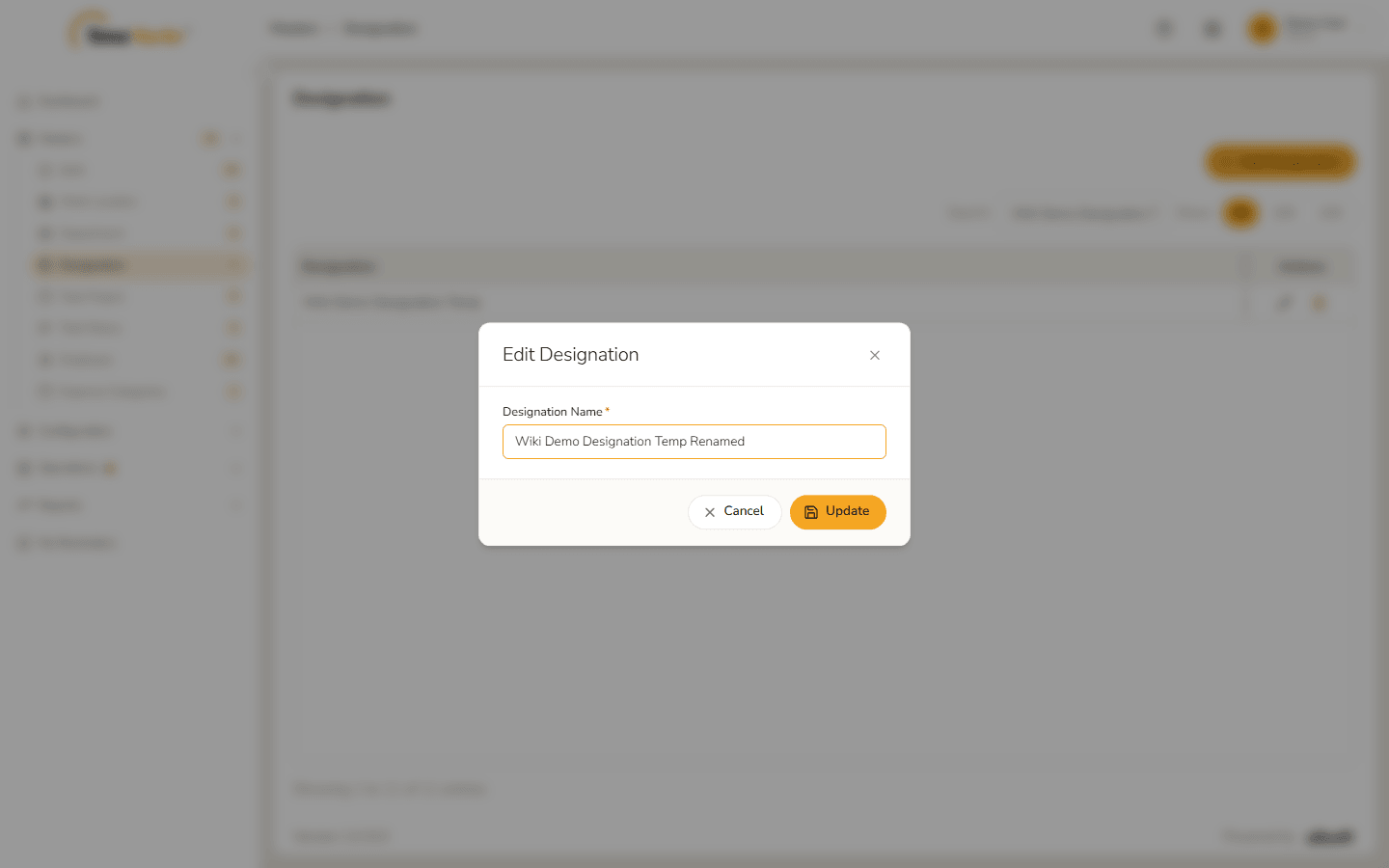
Name changed Click Update. Designation saved – Success. Modified. appears.
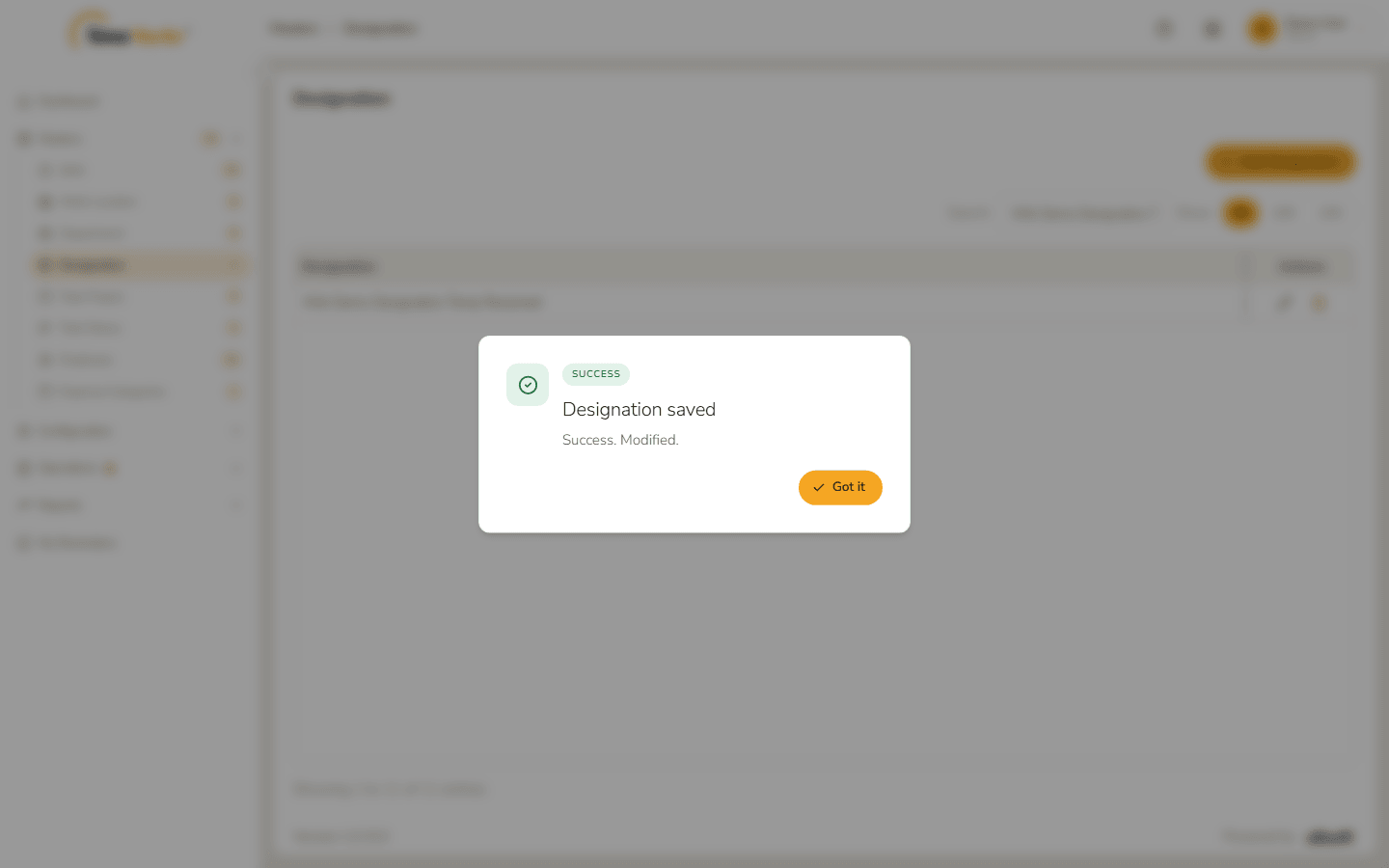
Designation modified
4. Delete a designation
- Click the bin on the designation's row.
The confirmation names the designation and warns "This cannot be undone." Click Delete.
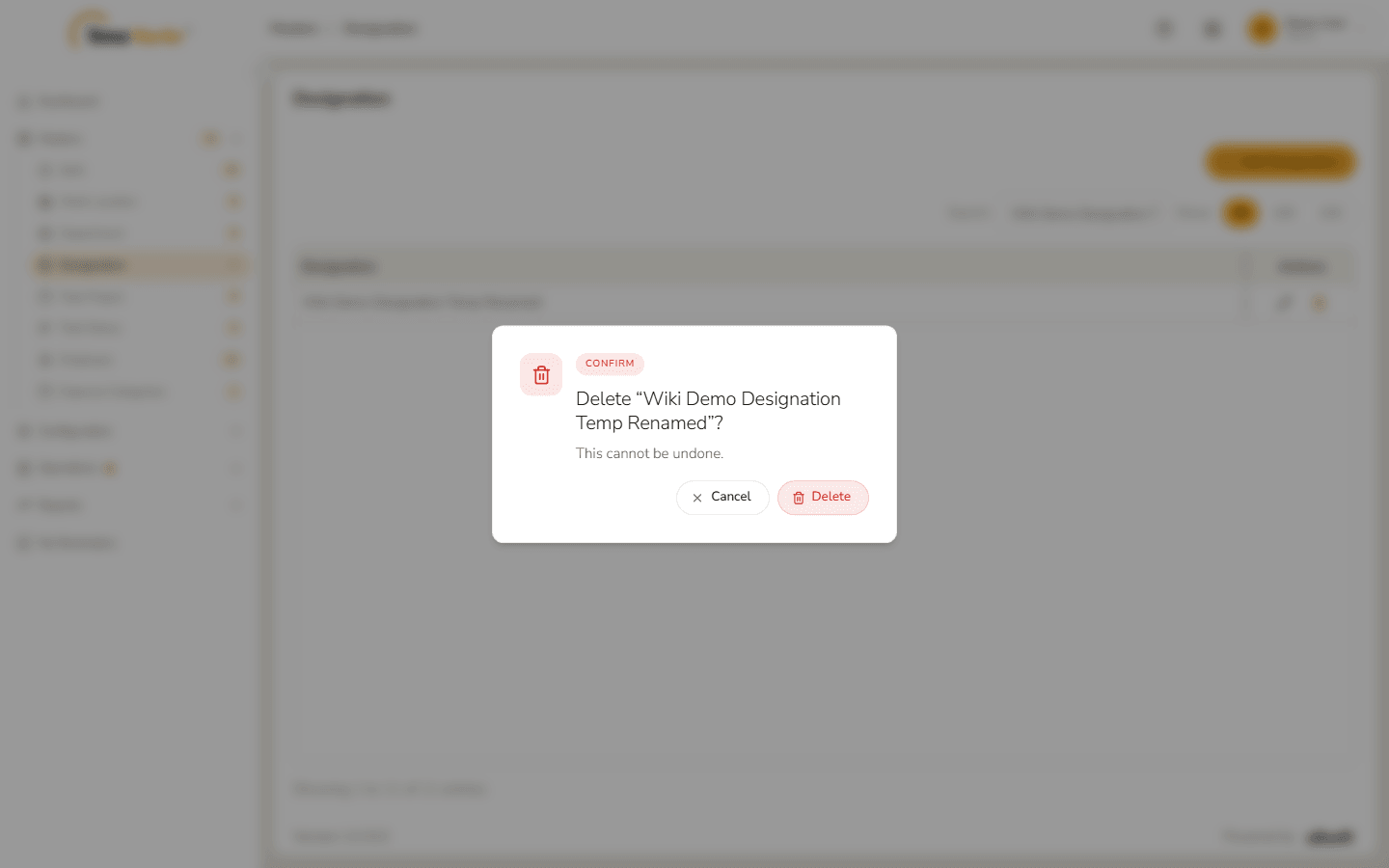
Delete confirmation Designation deleted – Success. Deleted. confirms it. Click Got it; the designation is gone from the list.
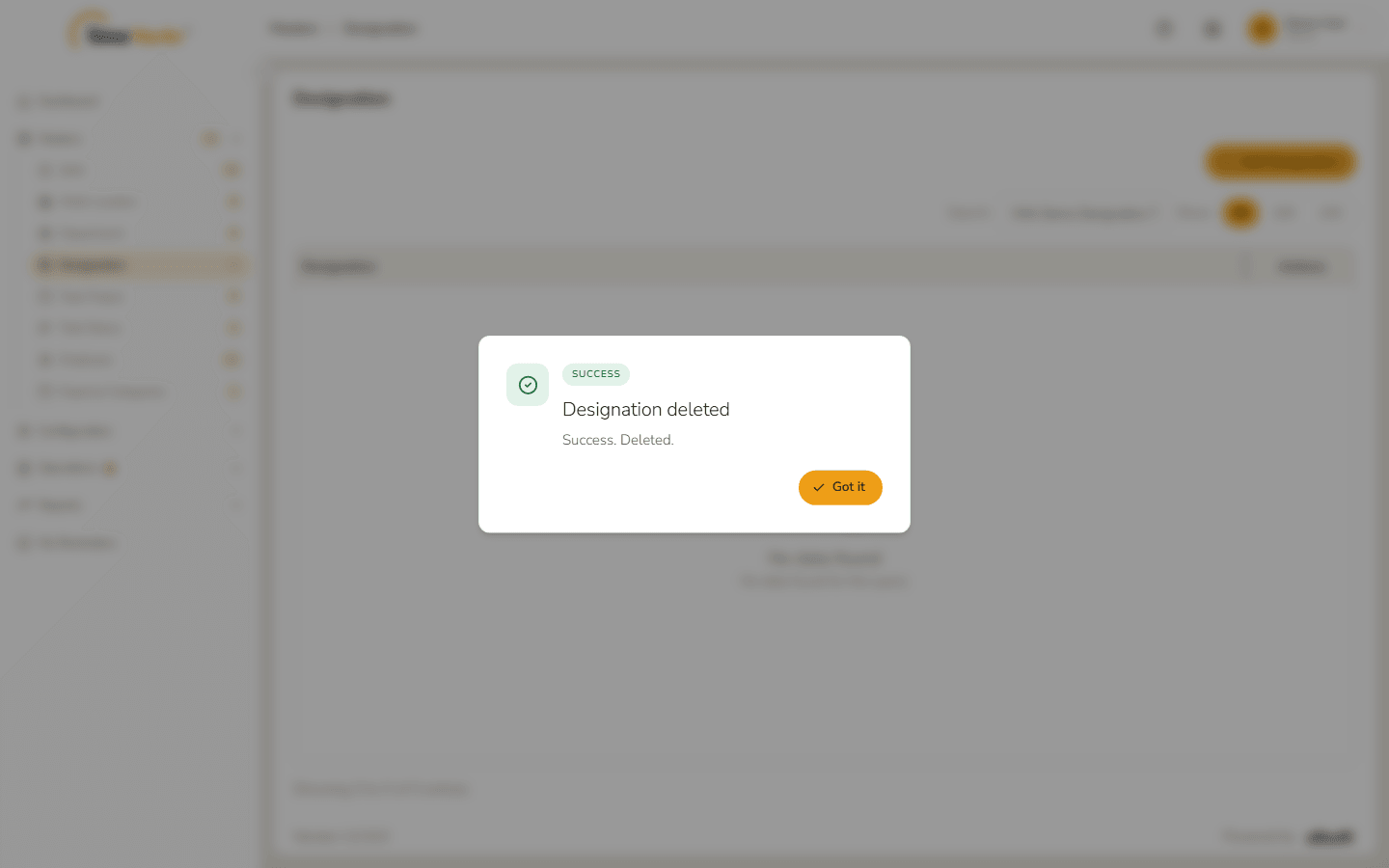
Designation deleted 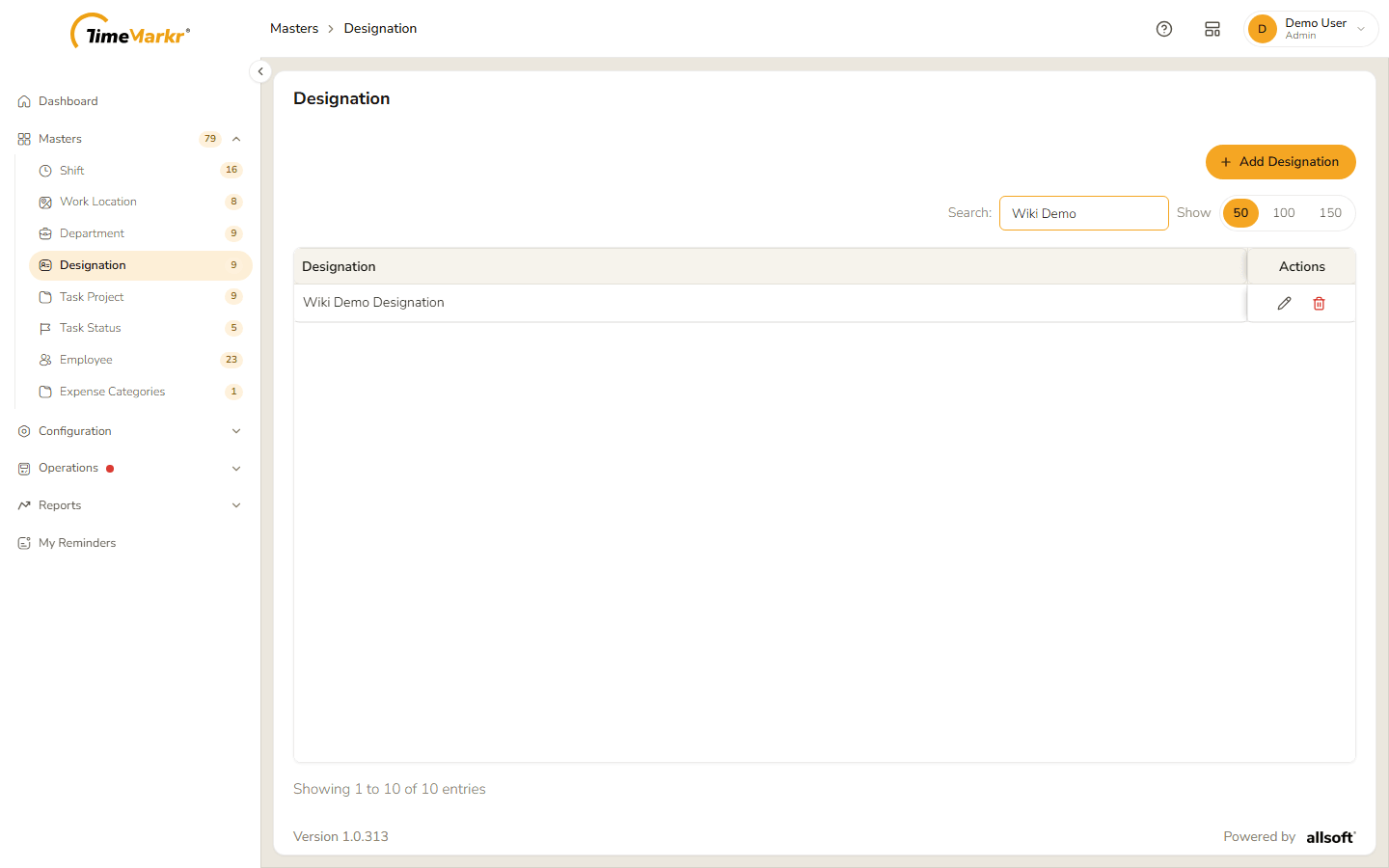
List after the delete
Related: Department · Employee