
Daily Attendance Punch
Where: Admin portal → Reports → Daily Attendance Punch
Route: /reports/daily-attendance-punch
Who punched in and out on one day at one working location: the times, the places and the photos. See Reports – the basics for Search, Show and the other things every report shares.
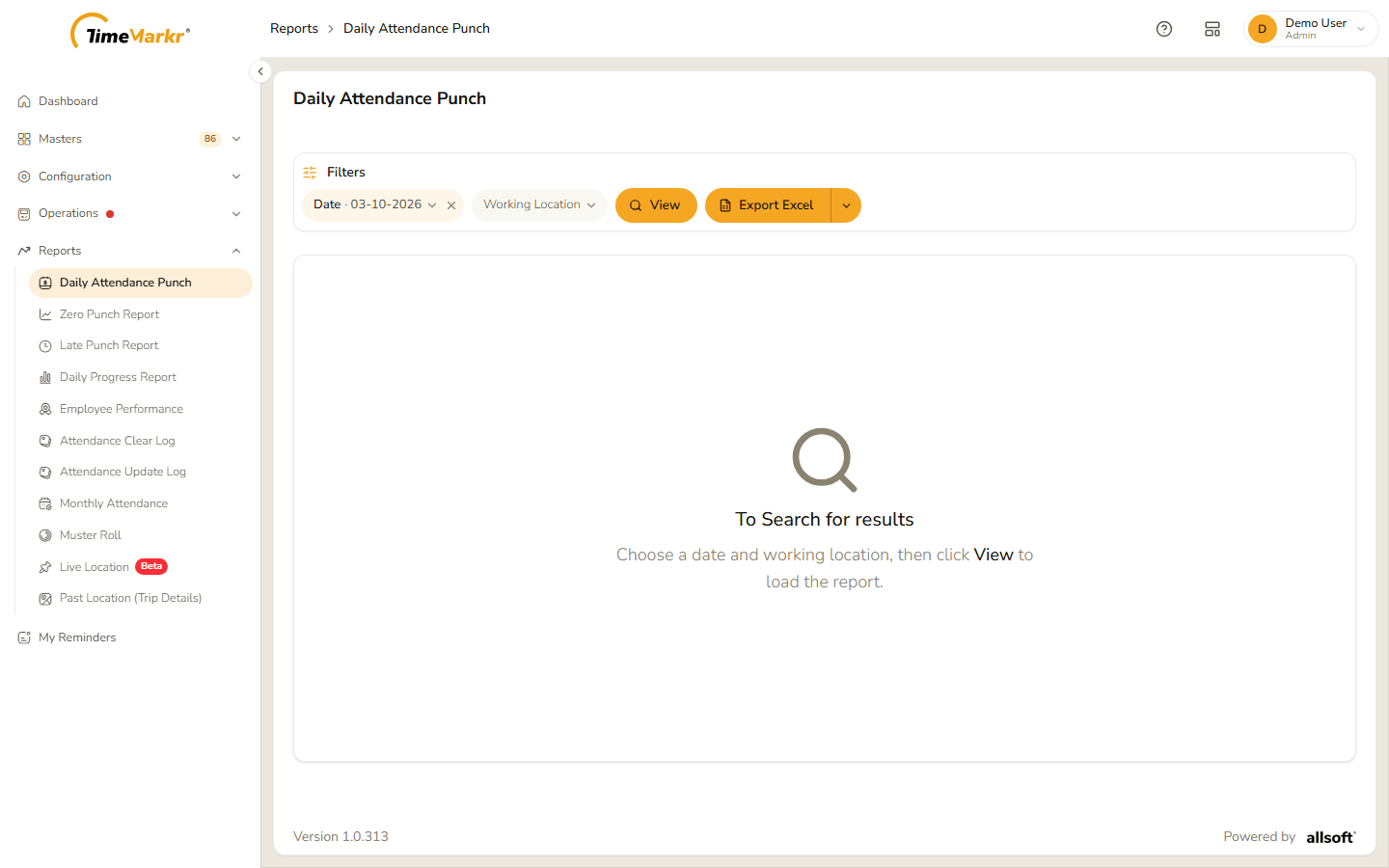
The page opens empty: "To Search for results – Choose a date and working location, then click View to load the report."
1. Run the report
- Click the Date pill and then the date in it (it starts on today). A calendar opens – use the two lists at the top for the month and the year, and click the day.
- Click the Working Location pill and pick the location from the list (All shows every location).
- Click View.
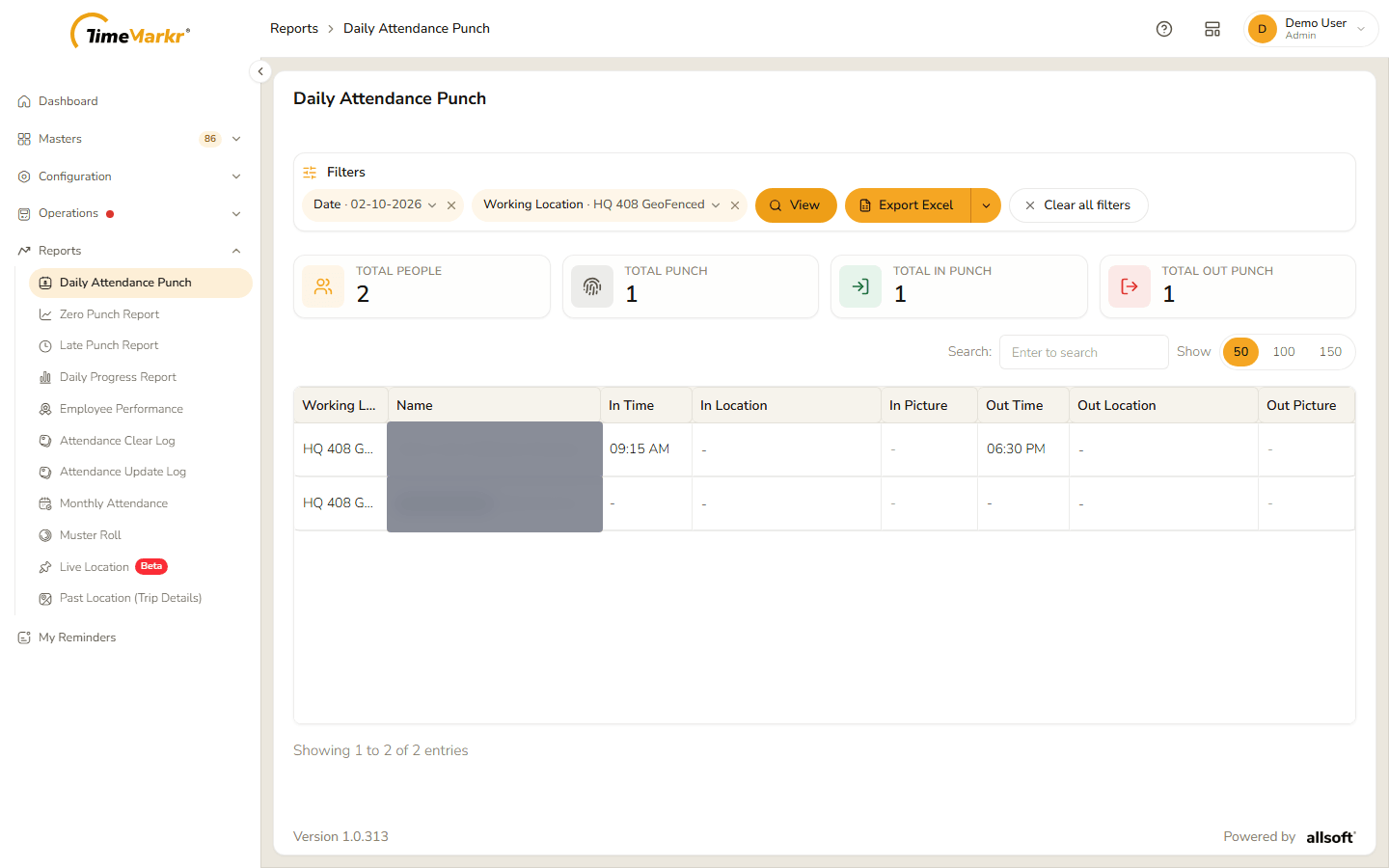
Four tiles at the top count the day: Total People, Total Punch, Total In Punch and Total Out Punch.
| Column | What it shows |
|---|---|
| Working Location | The location. |
| Name | The employee, with the department and designation in brackets. |
| In Time / Out Time | The punch-in and punch-out times; a dash if there is none. |
| In Location / Out Location | Where the punch was made. |
| In Picture / Out Picture | The photo taken at the punch. |
2. Export
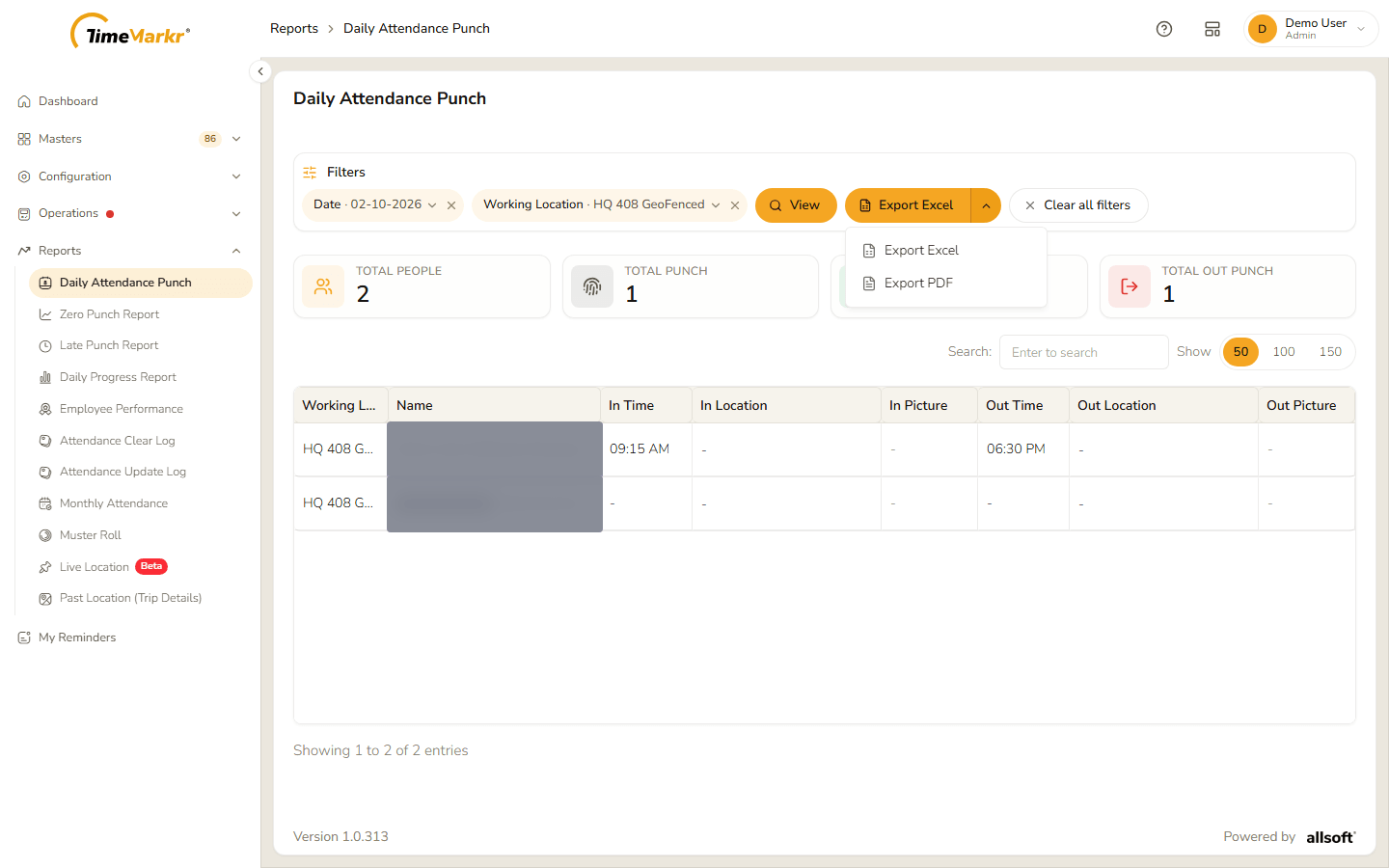
Export Excel downloads the report as a spreadsheet. The arrow beside it lists the formats: Export Excel and Export PDF.
Related: Zero Punch Report · Late Punch Report · Monthly Attendance · Reasons