
Documents
Where: Employee portal → Documents
Route: /employee/documents
The official documents your company shares with every employee – a handbook, a policy, a form. HR adds them under Company Documents; you can only read them here.
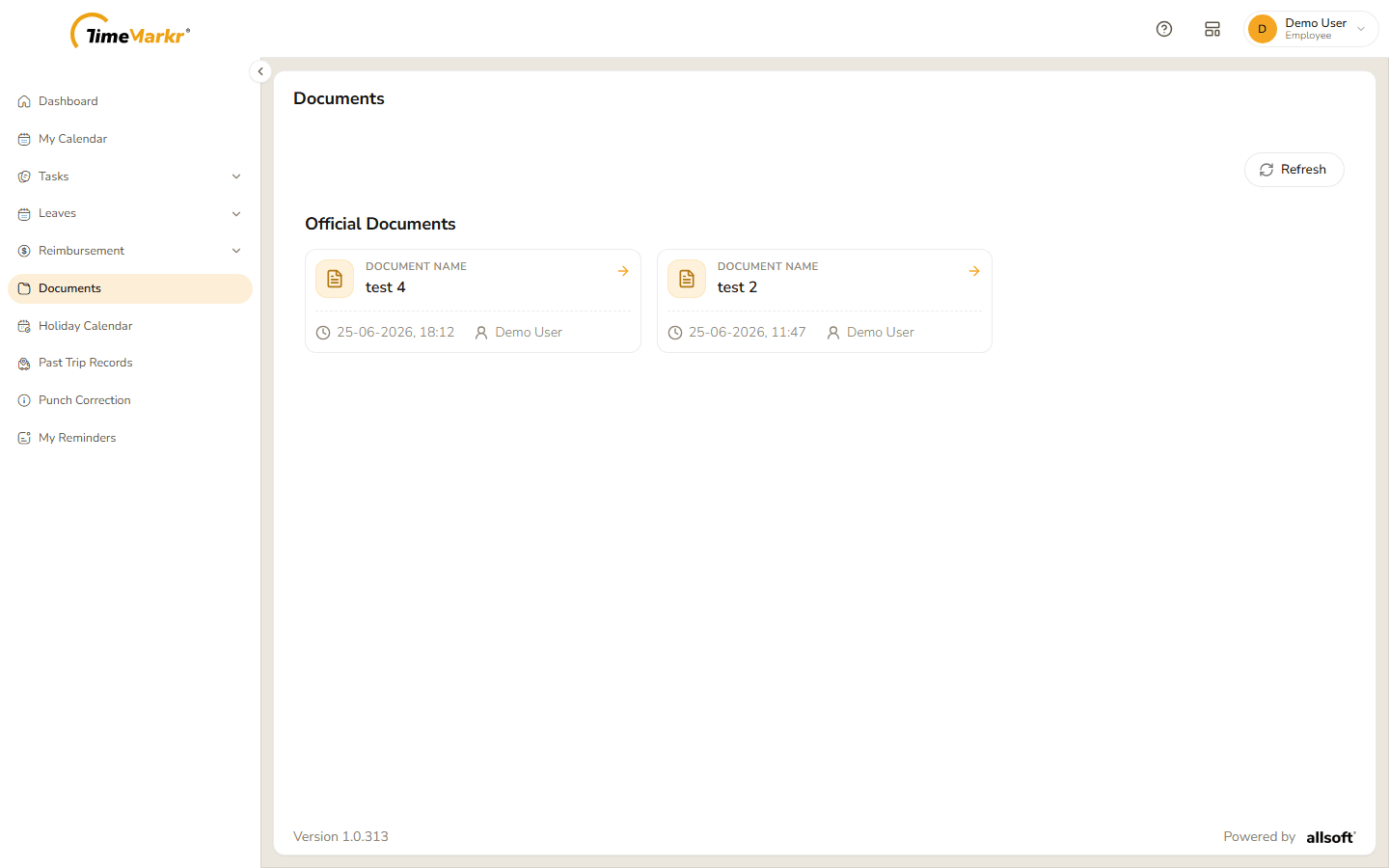
Under Official Documents each document is a card with:
- the Document Name;
- the date and time it was added, with a clock icon;
- who added it.
Refresh, at the top right, loads the list again – use it if HR has just added something.
Read a document
Click the card. The document opens in a viewer on top of the page.
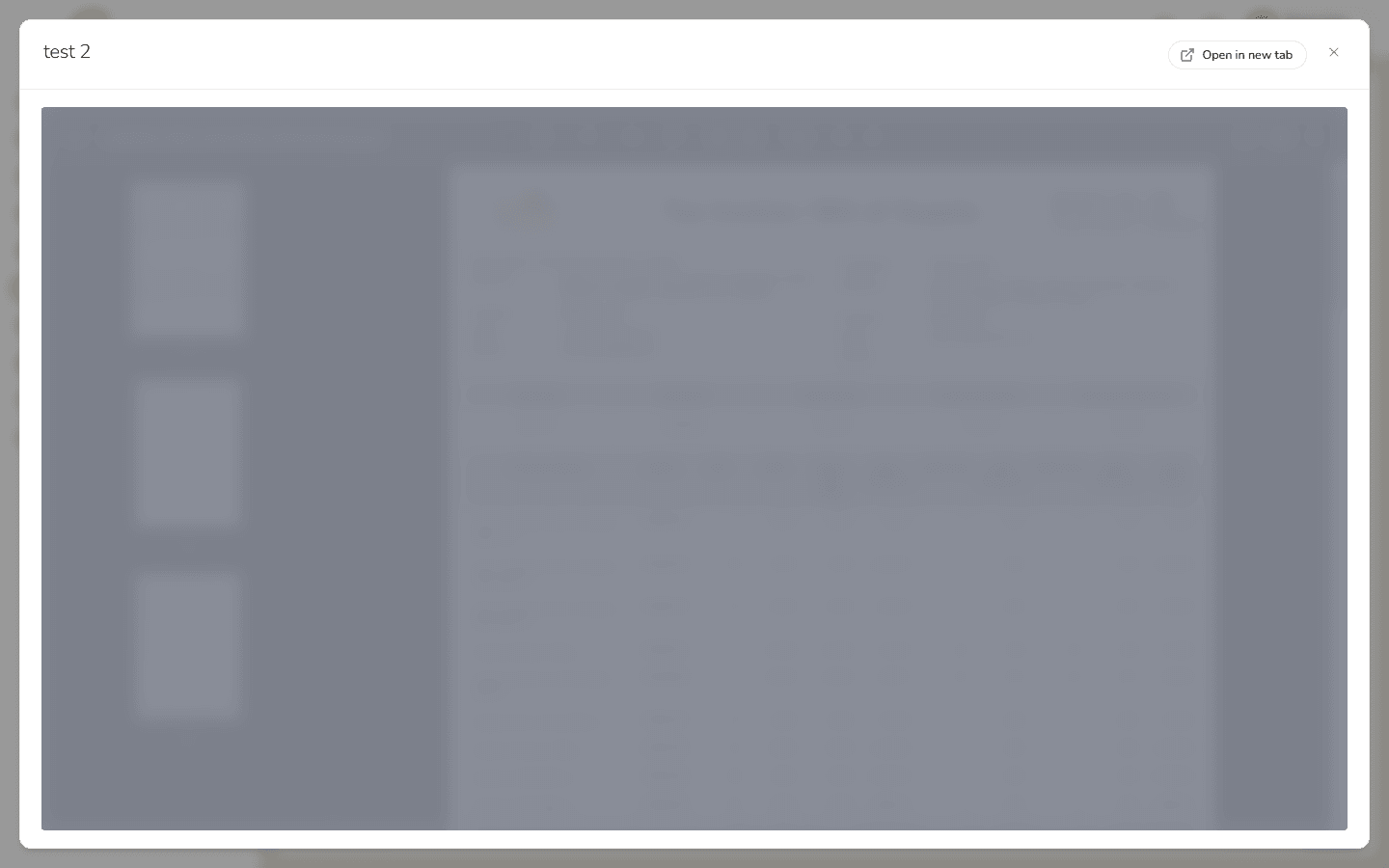
The document viewer - Read it there. Open in new tab (top right) opens it in a tab of its own, where you can save or print it with the browser.
- Click × to close the viewer.
Related: Company Documents (admin) · Company Policies