
Zero Punch Report
Where: Admin portal → Reports → Zero Punch Report
Route: /reports/zero-punch-report
The employees who have no attendance punch recorded at all – people who were added to the system but have never punched. It is the quickest way to spot an employee whose app was never set up. See Reports – the basics for Search and Show.
There are no filters and nothing to click first: the list loads as soon as the page opens.
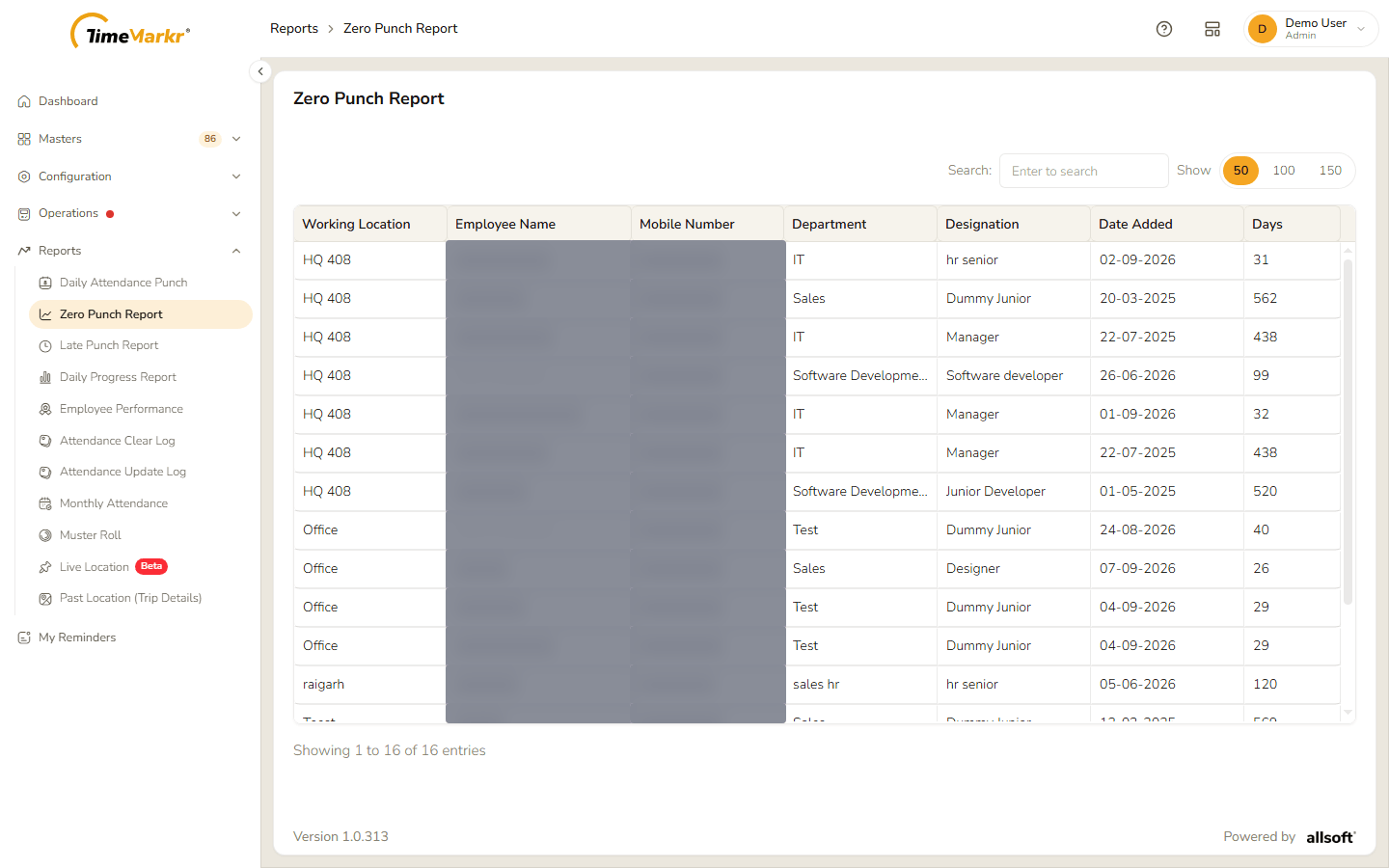
| Column | What it shows |
|---|---|
| Working Location | The employee's working location. |
| Employee Name | Who it is. |
| Mobile Number | The employee's phone number. |
| Department / Designation | Where the employee works and in what role. |
| Date Added | The day the employee was added. |
| Days | For how many days the employee has had no punch. |
Use Search to find an employee by name, location, department or designation.
Related: Daily Attendance Punch · Employee