My Profile
Where: Employee portal → My Profile (also in your name menu at the top right – see Your account menu)
Route: /employee/my-profile
The details your company holds about you. Almost all of it is read-only – HR keeps it up to date in Employee. You can change your emergency contacts yourself. The page shows your name under the heading and seven tabs.
Values in the screenshots on this page are hidden. A field with nothing saved shows N/A.
Personal Details
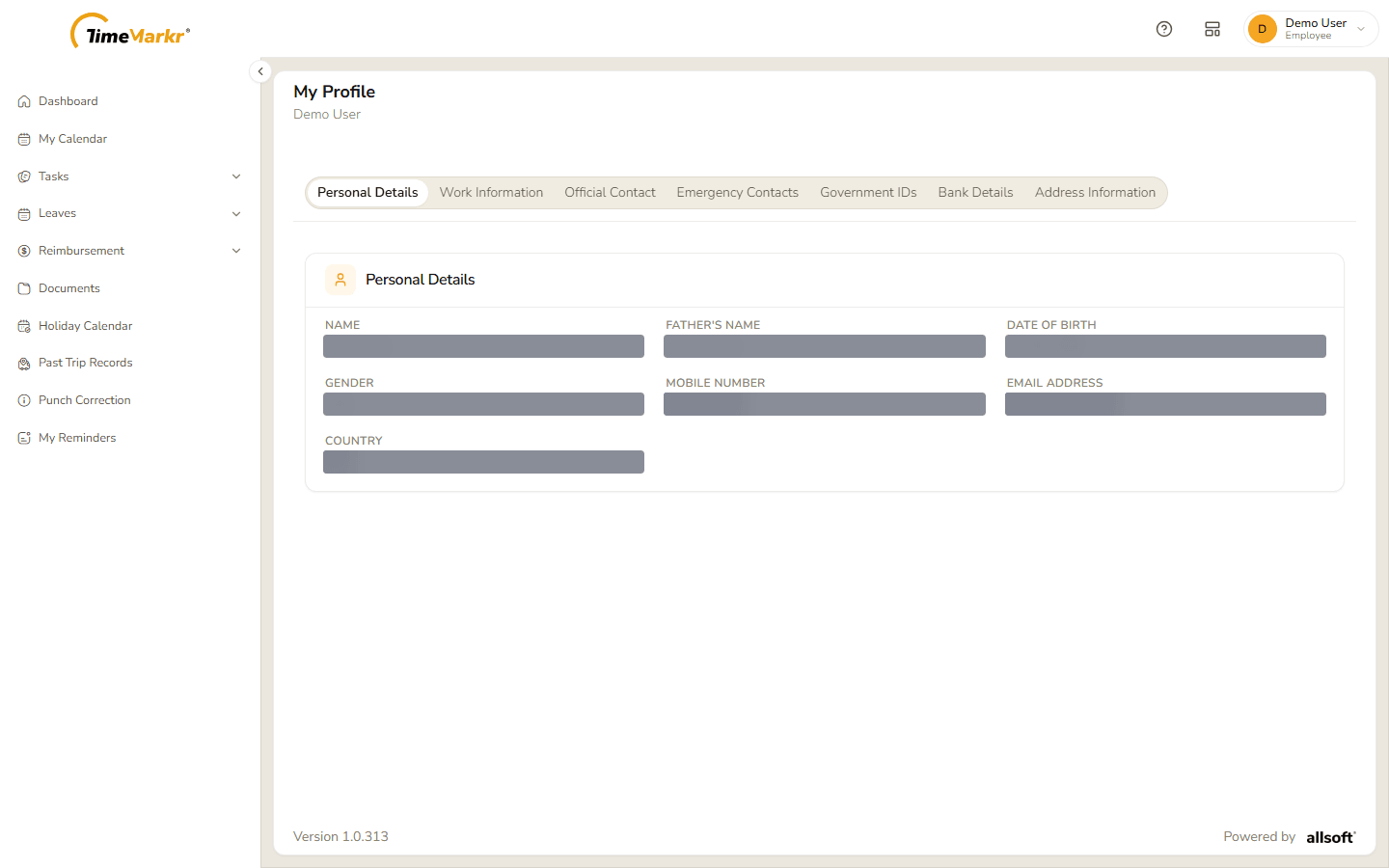
Name, Father's Name, Date of Birth, Gender, Mobile Number, Email Address and Country.
Work Information
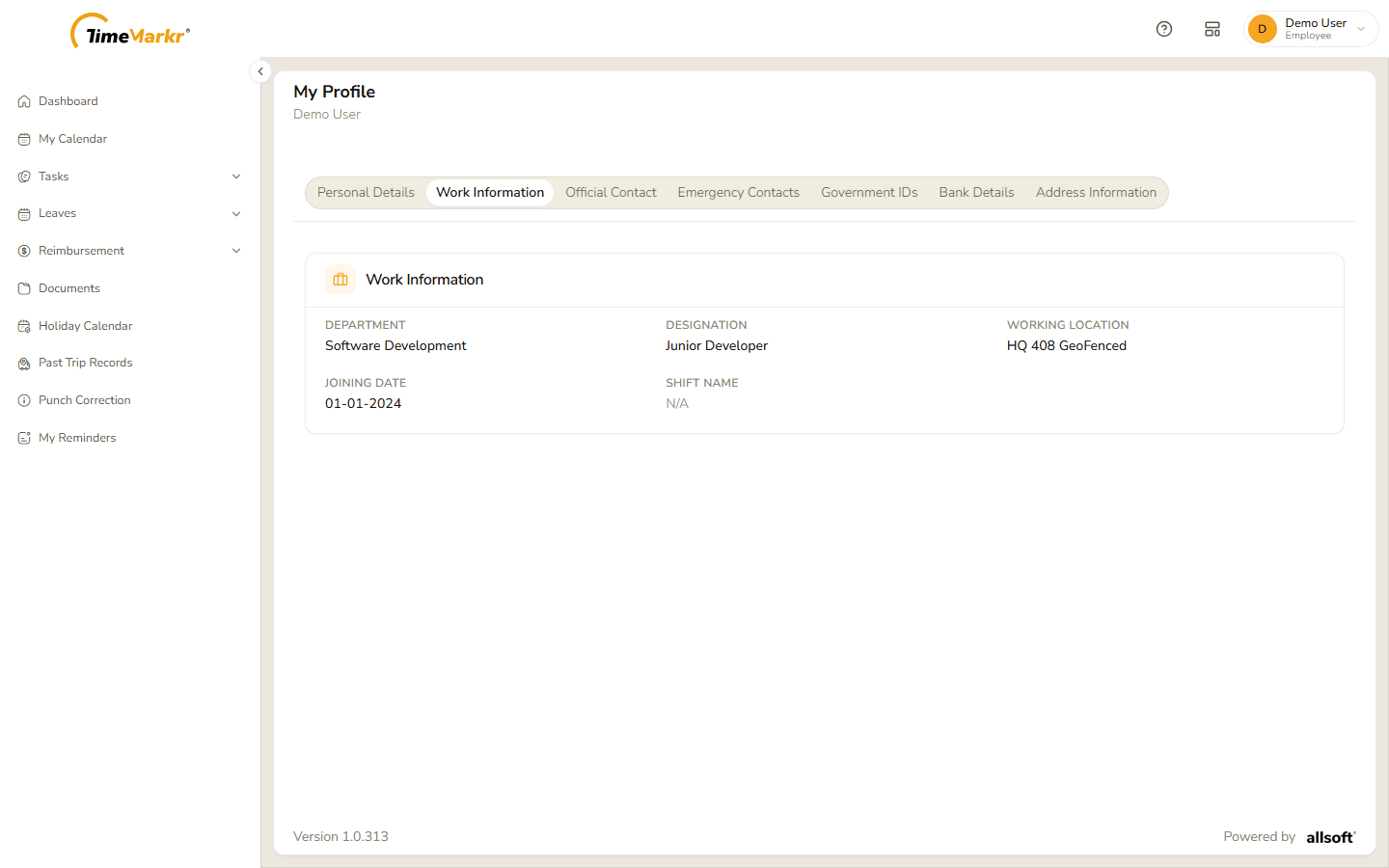
Department, Designation, Working Location, Joining Date and Shift Name.
Official Contact
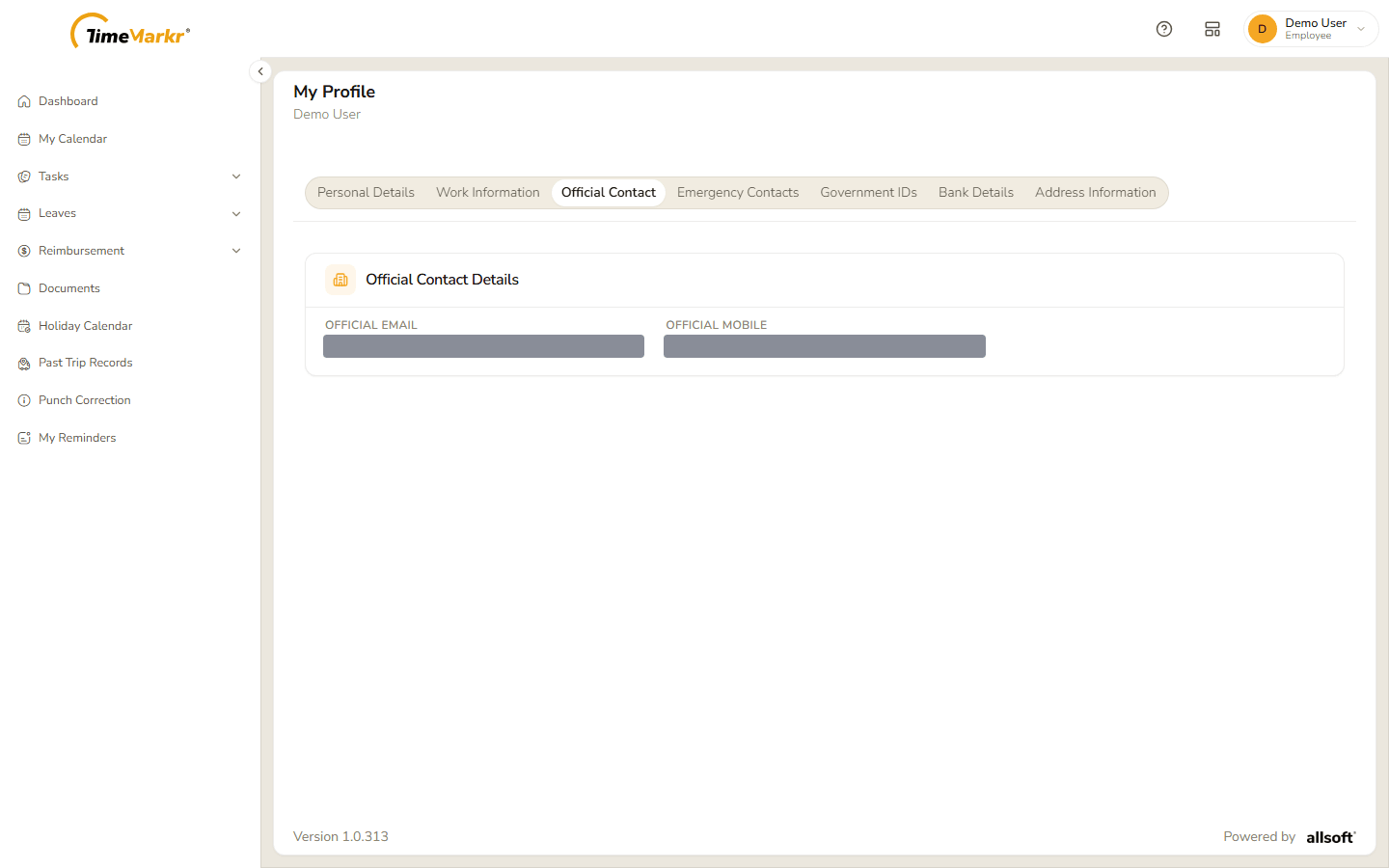
Official Email and Official Mobile – the work address and phone, when your company has given you them.
Emergency Contacts
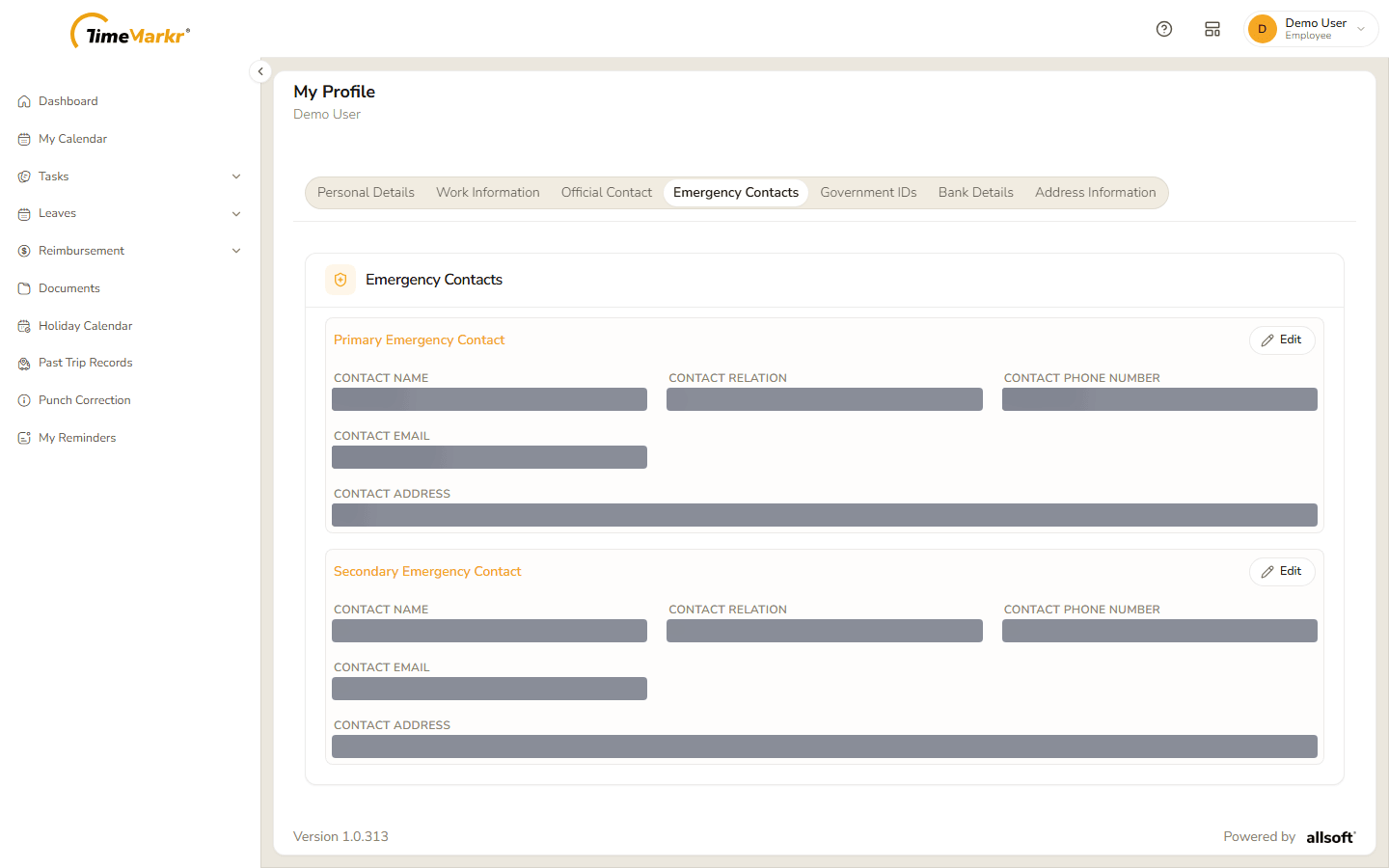
A Primary Emergency Contact and a Secondary Emergency Contact, each with Contact Name, Contact Relation, Contact Phone Number, Contact Email and Contact Address.
To change one:
Click Edit on the contact. The card turns into a form.
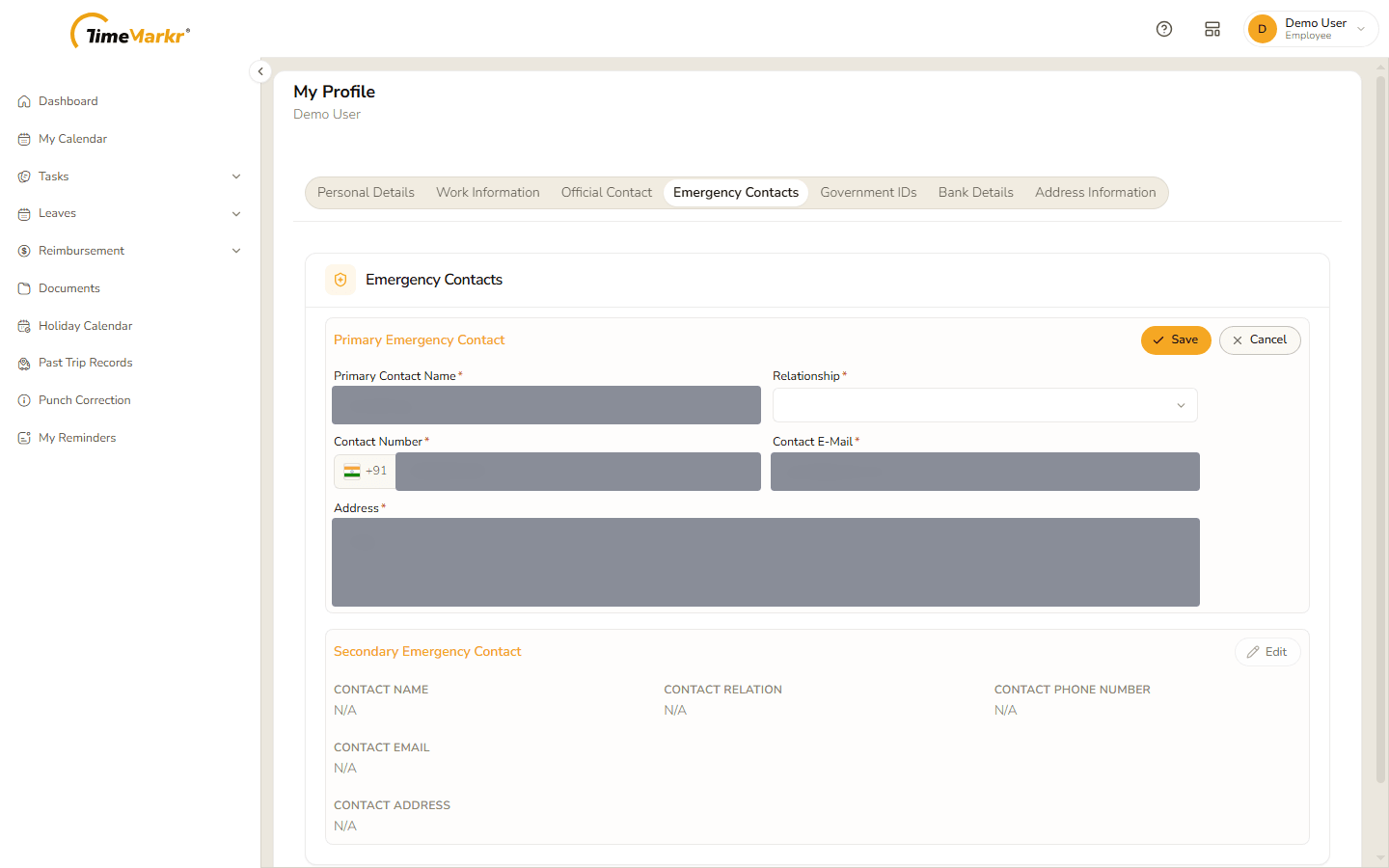
Editing a contact Fill in the fields. All of them are required.
Field Notes Primary Contact Name* The person's name. Relationship* Child, Father, Mother, Spouse, Sibling, Friend or Other. Contact Number* The phone number, with the country code (+91 by default). Contact E-Mail* The e-mail address. Address* The address. - Click Save, or Cancel to leave without changing anything.
Government IDs
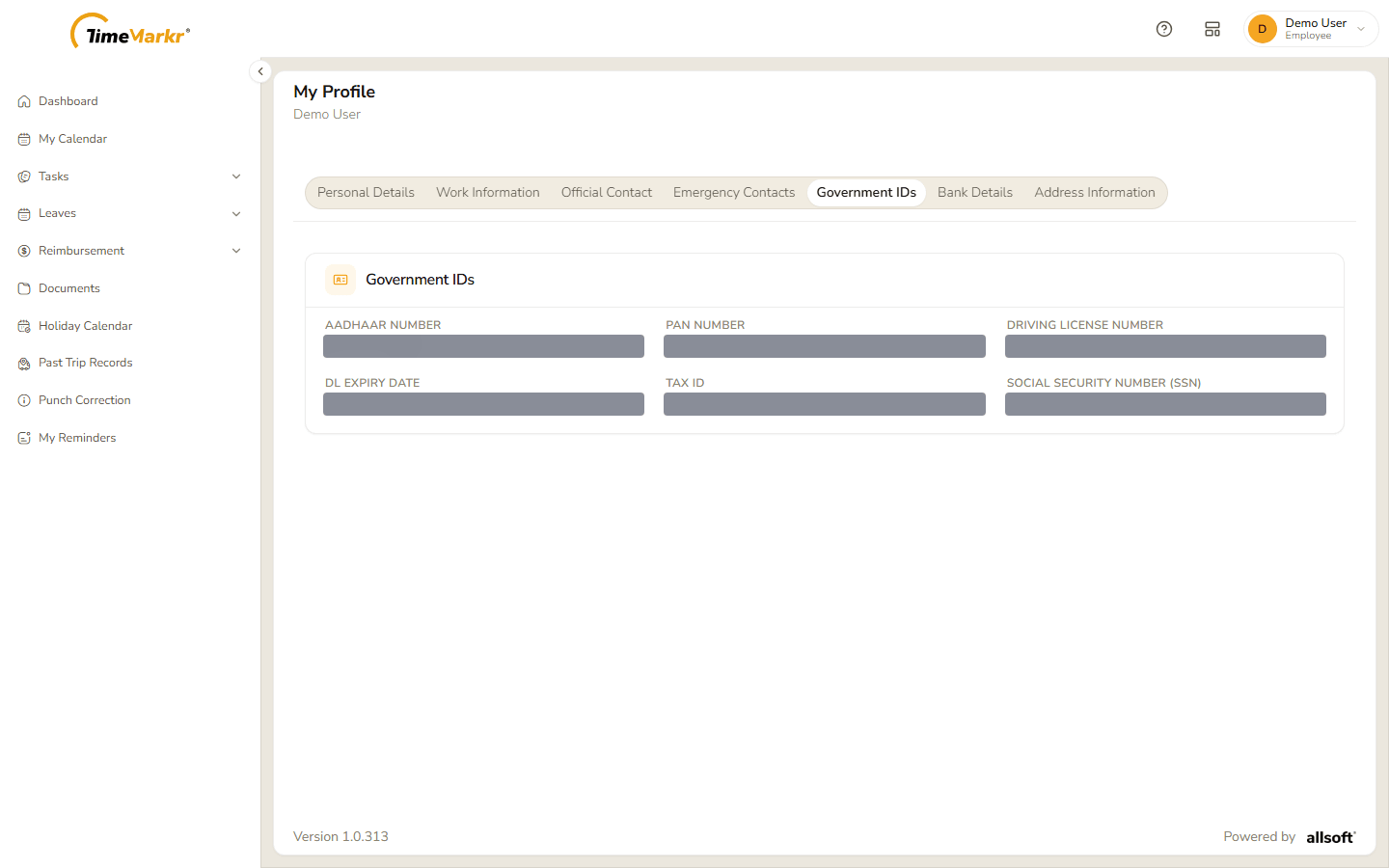
Aadhaar Number (shown with most digits hidden), PAN Number, Driving License Number, DL Expiry Date, Tax ID and Social Security Number (SSN).
Bank Details
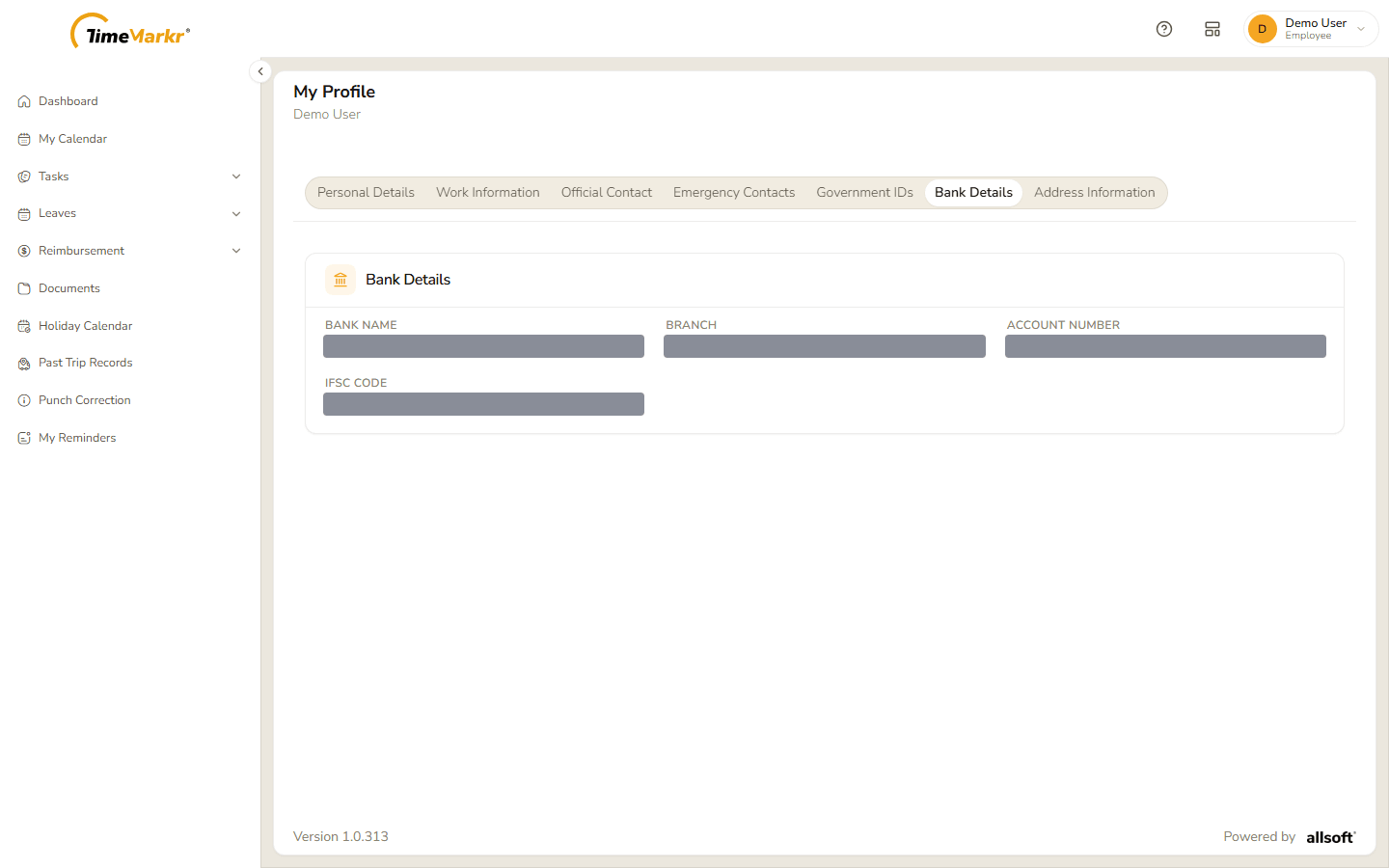
Bank Name, Branch, Account Number and IFSC Code – where your salary is paid.
Address Information
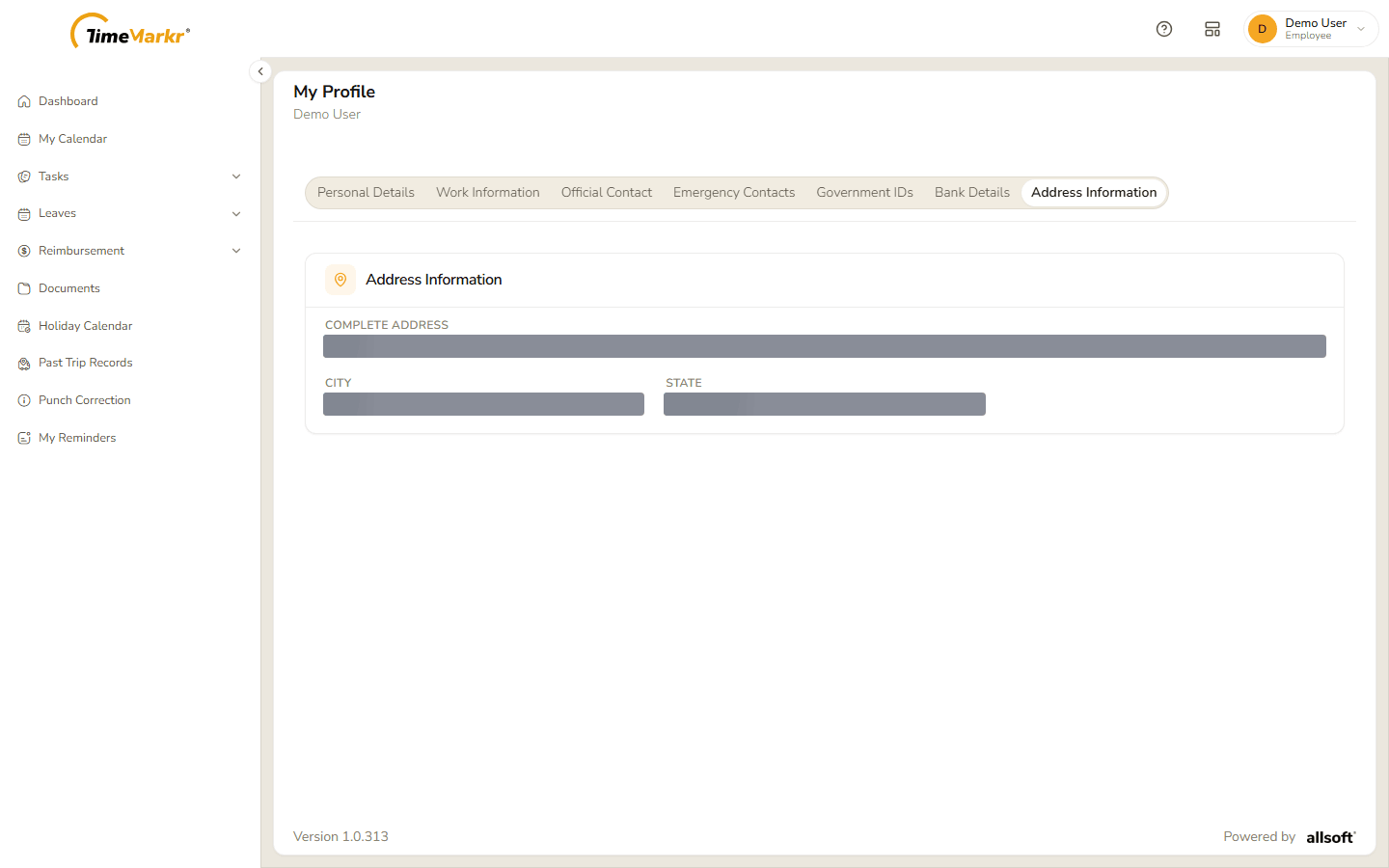
Complete Address, City and State.
Related: Employee (admin) · Your account menu