
My Reminders
Where: Admin portal → My Reminders
Route: /reminders
Personal reminders for the signed-in admin: a note with a date and a time that pops up when the time comes. The page works exactly like My Reminders in the employee portal, where every step is shown in detail. A reminder is "Private to you" and reaches "every device you are signed in on".
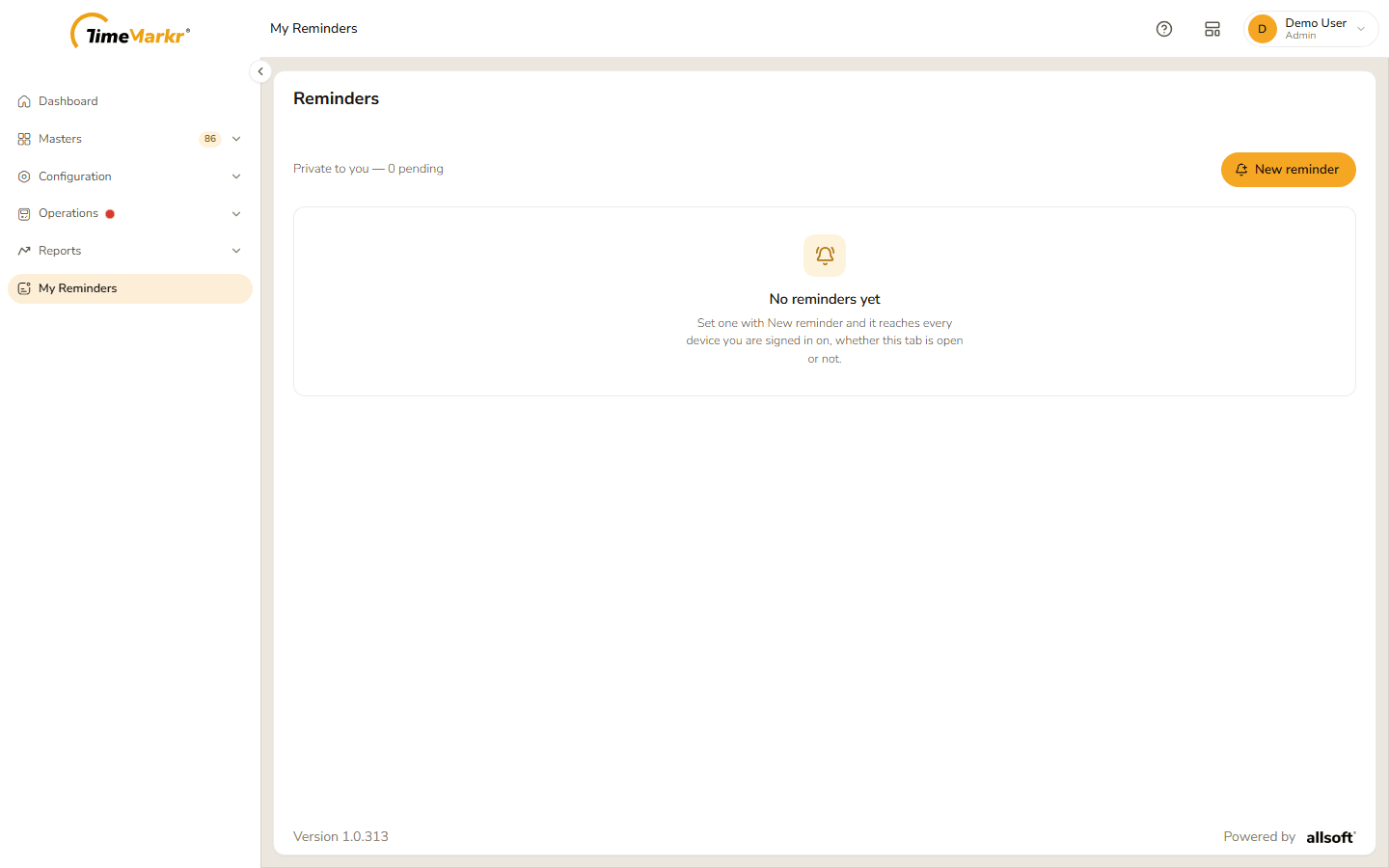
With no reminders the page says "No reminders yet – Set one with New reminder and it reaches every device you are signed in on, whether this tab is open or not." The line under the heading counts the reminders that are waiting ("Private to you — 0 pending").
Create a reminder
Click New reminder.
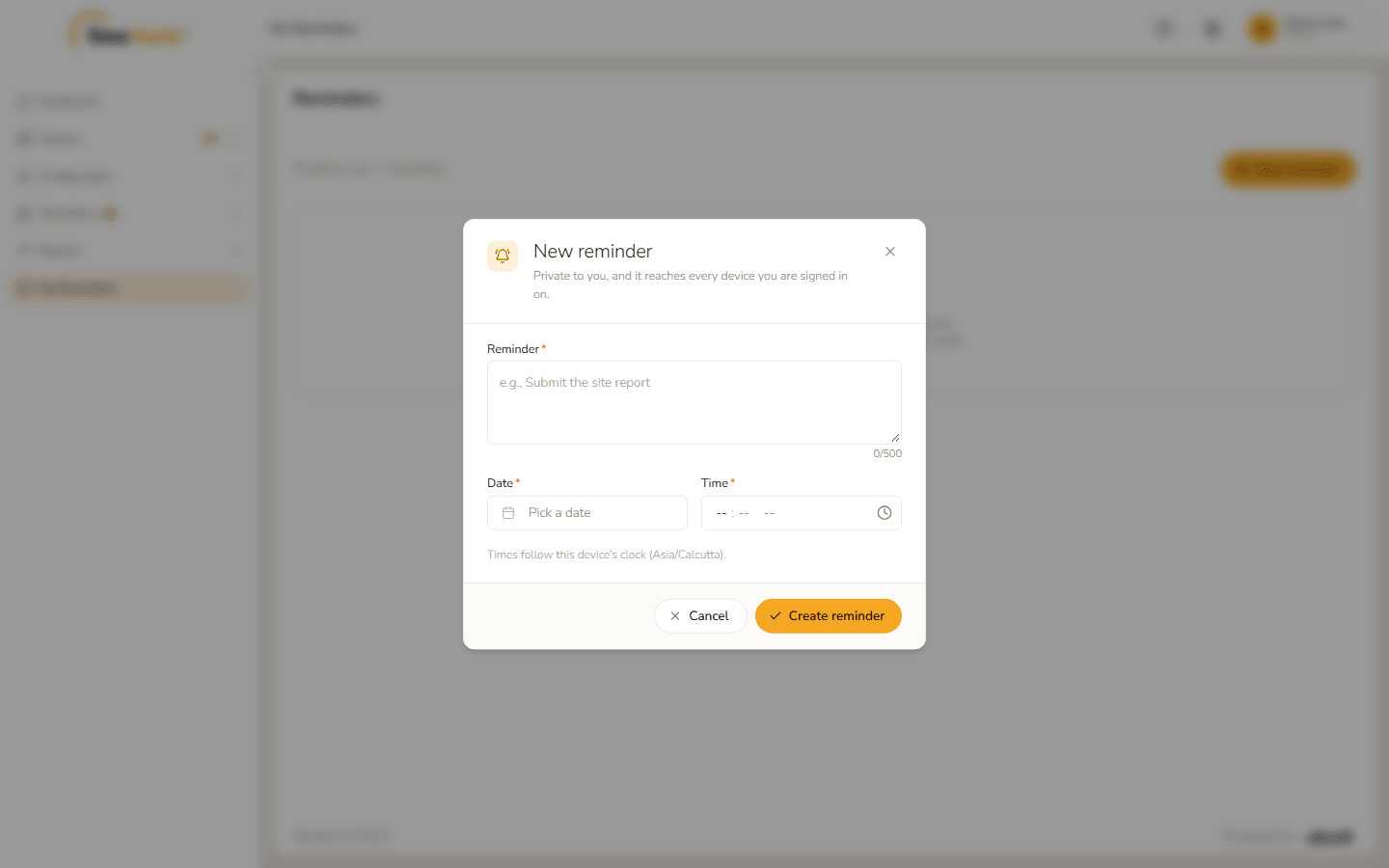
New reminder form - Type the Reminder (up to 500 characters), click Pick a date to choose the Date and set the Time. The form notes "Times follow this device's clock (Asia/Calcutta)."
- Click Create reminder. Reminder saved – Saved. confirms it. Click Got it.
The reminder appears on the page.
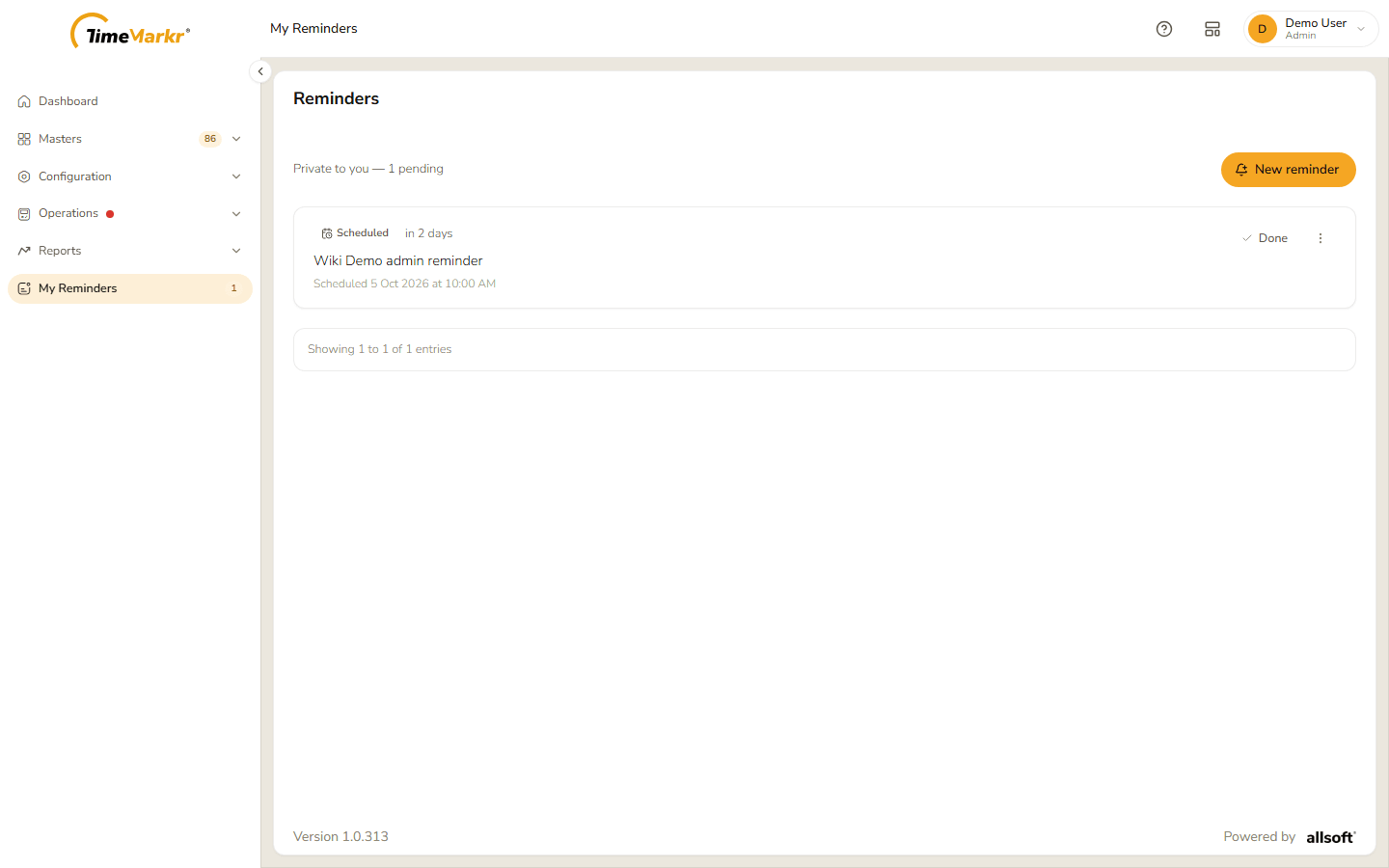
A scheduled reminder
When the time comes, a Reminder due now window offers Snooze and Mark as done. The ⋮ menu on a reminder offers Edit and Delete – see the employee guide for each of them.
Related: My Reminders (employee portal)