
Attendance Clear Log
Where: Admin portal → Reports → Attendance Clear Log
Route: /reports/attendance-clear-log
Every punch that was removed with Clear Attendance: which punch, when it was cleared, by whom and for what reason. See Reports – the basics for the filters, Search, Show and Export that every report shares.
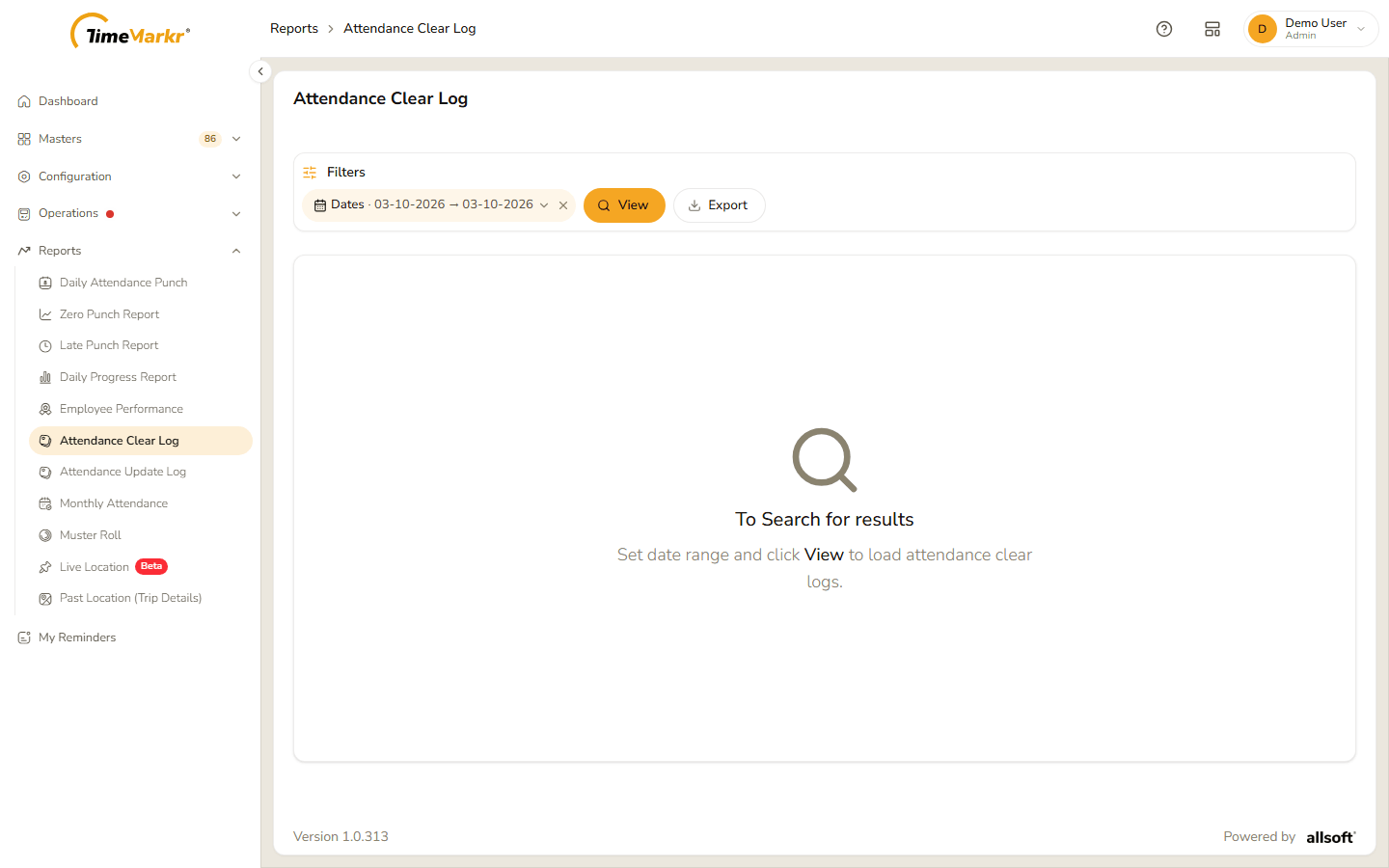
The page opens empty: "To Search for results – Set date range and click View to load attendance clear logs." Choose the Dates (they start on today) and click View.
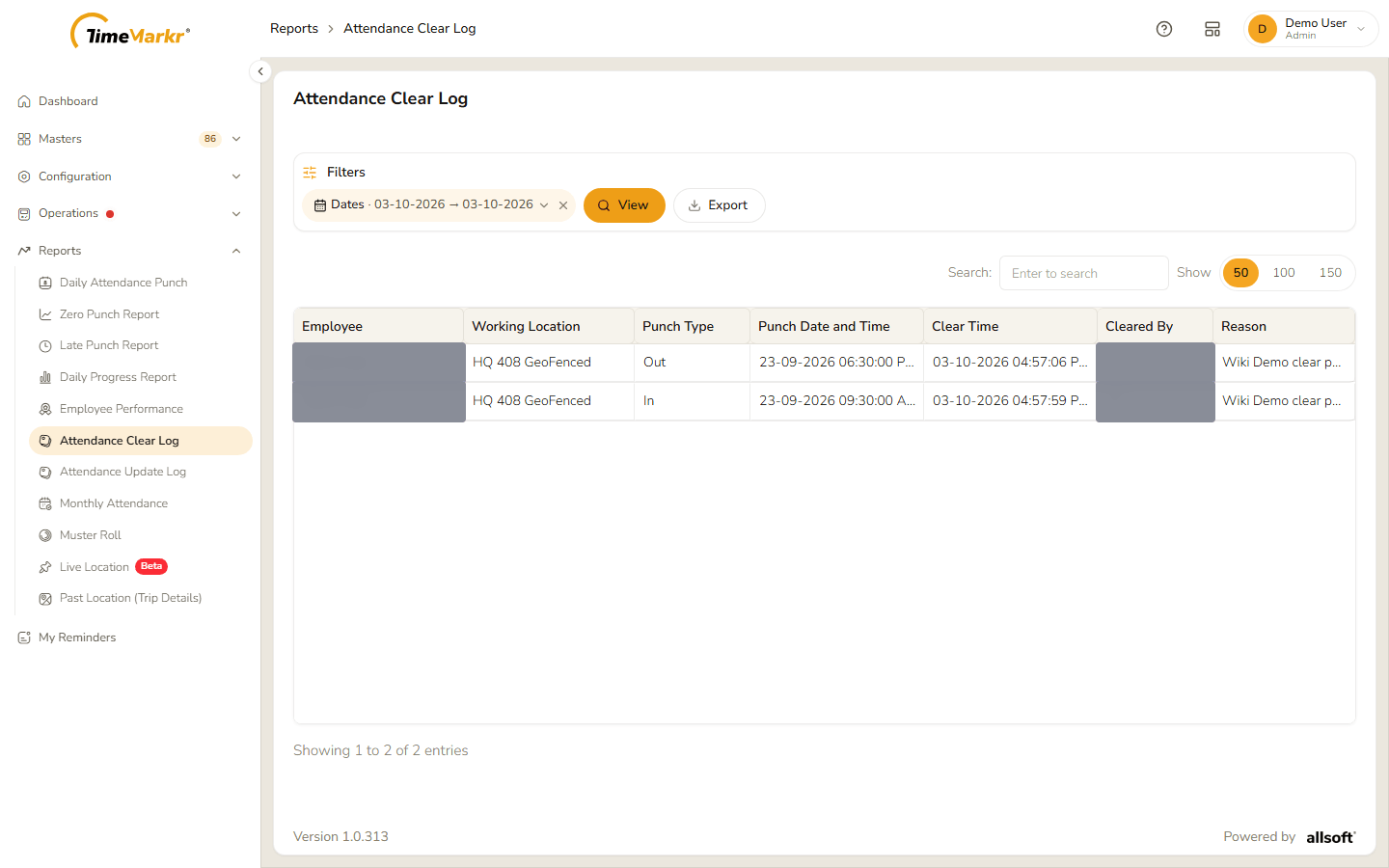
| Column | What it shows |
|---|---|
| Employee | Whose attendance was cleared. |
| Working Location | The employee's working location. |
| Punch Type | In or Out. |
| Punch Date and Time | The punch that was removed. |
| Clear Time | When it was cleared. |
| Cleared By | The account that cleared it, shown as a number. |
| Reason | The reason written in the Clear Attendance window. |
Export downloads the same rows as an Excel file.
Related: Clear Attendance · Attendance Update Log